JWT Authentication Best Practices for Node.js APIs
How to implement JWT authentication securely in Node.js: access and refresh tokens, storage in web and mobile apps, rotation, revocation, signing algorithms, and common mistakes.
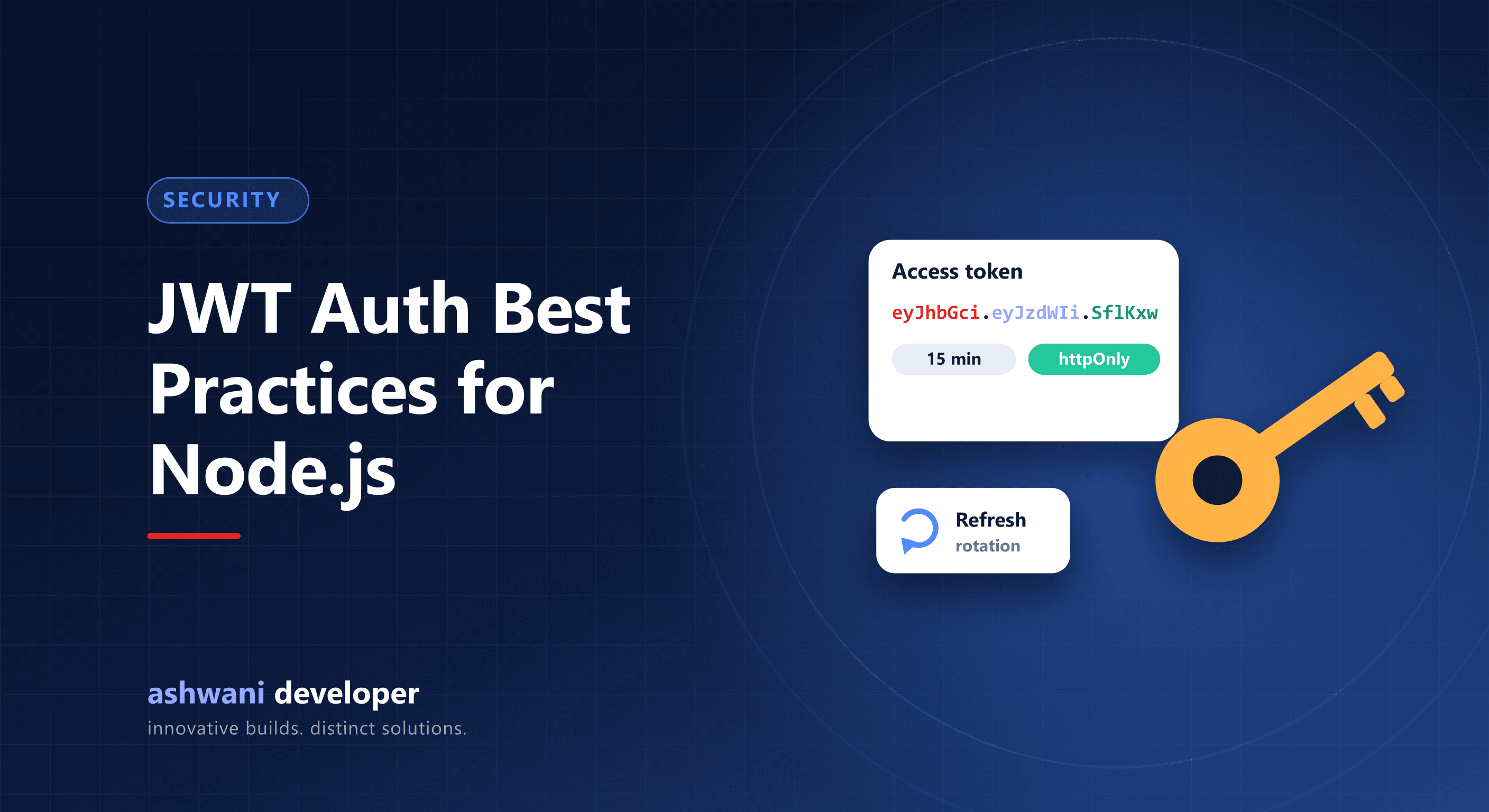
Quick answer: use short-lived access tokens with longer-lived refresh tokens, rotate refresh tokens on every use and detect reuse, store tokens in httpOnly secure cookies on the web and secure storage on mobile, verify the algorithm and claims on every request, and keep a way to revoke sessions.
How JWT authentication works
- The user logs in with a password or OTP.
- The server issues an access token (a signed JWT with the user ID and roles) and a refresh token.
- The client sends the access token with each API request.
- When it expires, the client uses the refresh token to get a new pair.
Best practices
1. Keep access tokens short-lived
Minutes rather than days. A stolen access token is then useful only briefly.
2. Rotate refresh tokens
Issue a new refresh token each time one is used and invalidate the old one. If an old refresh token is used again, treat it as theft and revoke that session.
3. Store tokens safely
| Client | Recommended storage | Avoid |
|---|---|---|
| Web browser | httpOnly, Secure, SameSite cookies | localStorage for long-lived tokens (readable by injected scripts) |
| Mobile app | Keychain / Keystore-backed secure storage | Plain AsyncStorage |
If you use cookies, protect state-changing requests against CSRF with SameSite settings and tokens where needed.
4. Verify strictly
- Allow only the algorithm you use; never accept
none. - Check expiry, issuer, and audience claims.
- Use a strong secret or, for multiple services, asymmetric keys.
5. Keep payloads minimal
JWTs are signed, not encrypted by default. Anyone can read the payload, so never include passwords or personal data; include only identifiers and roles.
6. Plan for revocation
Store refresh token sessions server-side so you can log out a user everywhere, revoke on password change, and show active sessions.
7. Authorise every request
A valid token proves who the user is, not what they may do. Check permissions for each resource on the server.
8. Protect login endpoints
Rate-limit login and OTP endpoints, hash passwords with a strong algorithm such as bcrypt or argon2, and log suspicious activity.
Common mistakes
- Access tokens valid for weeks.
- Secrets committed to the repository.
- Trusting roles sent from the client instead of the server.
- No way to revoke a compromised session.
Related: mobile app security best practices and website security checklist. Need a secure backend? See API development or get in touch.