Mobile App Security Best Practices: A Checklist for Business Apps
A mobile app security checklist for business apps: secure authentication, token storage, API protection, encryption, secrets management, permissions, and testing.
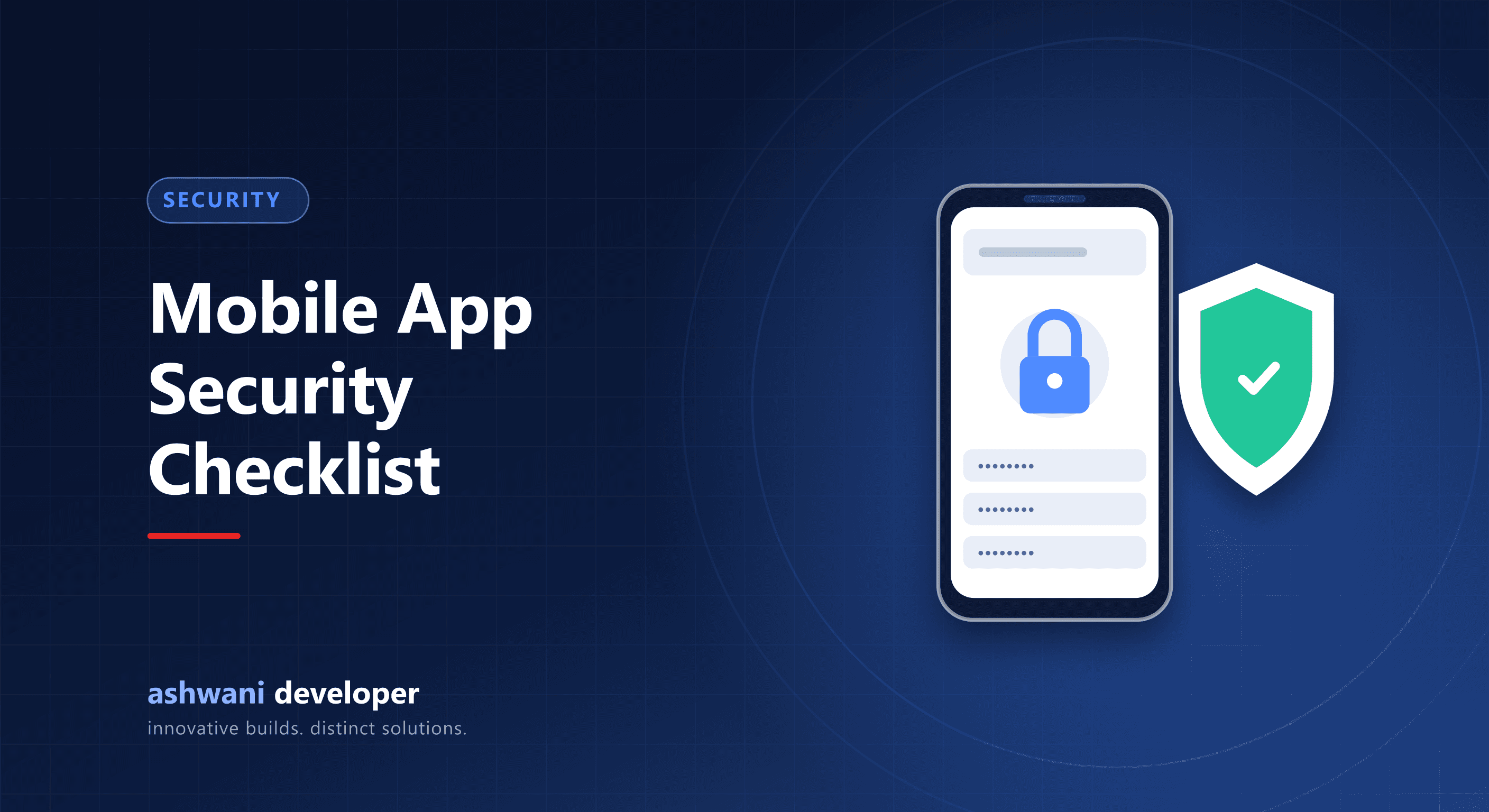
Quick answer: treat the app as untrusted. Enforce every permission check on the server, store tokens in secure device storage, never ship secret keys inside the app, use HTTPS everywhere, request minimal permissions, keep dependencies updated, and test against common mobile risks such as those in the OWASP Mobile Top 10.
The golden rule: the server decides
Anything in an app can be inspected or modified by a determined attacker. Prices, permissions, discounts, and access rules must be enforced by the backend. The app only displays what the server allows.
Authentication
- Use short-lived access tokens with refresh tokens, and rotate refresh tokens.
- Store tokens in secure storage (Keychain on iOS, Keystore-backed storage on Android), not in plain async storage.
- Rate-limit OTP and login endpoints to prevent abuse.
- Offer biometric unlock for sensitive apps, backed by secure storage.
- Revoke sessions on logout and password change.
See JWT authentication best practices for the server side.
API protection
- Validate all input on the server.
- Check authorisation on every request: can this user access this specific record?
- Use HTTPS everywhere; consider certificate pinning for high-risk apps.
- Monitor for unusual traffic patterns.
Secrets
Never put API secret keys, payment secrets, or database credentials in the app bundle. Public keys meant for client use are fine; anything secret stays on the server, and the app calls your backend instead.
Data on the device
- Store as little sensitive data locally as possible.
- Encrypt sensitive local data.
- Avoid logging personal data or tokens.
- Clear sensitive data on logout.
Permissions and privacy
- Request only the permissions you need, at the moment you need them.
- Explain why in plain language.
- Keep store privacy declarations accurate, including third-party SDKs.
Dependencies and builds
- Update libraries regularly and audit for known vulnerabilities.
- Remove debug features and verbose logs from release builds.
- Enable code minification and obfuscation for Android release builds.
Testing
Include security checks in reviews, test authorisation by trying to access other users' data, and consider a professional security test before launching apps that handle money or health data.
Security is part of the mindset described in why full-stack developers should understand cybersecurity. For a secure app build, see app development or get in touch.