Next.js vs WordPress for a Business Website: Which Should You Choose?
A balanced comparison of Next.js and WordPress for business websites: speed, SEO, security, editing, cost, and which one fits your situation.
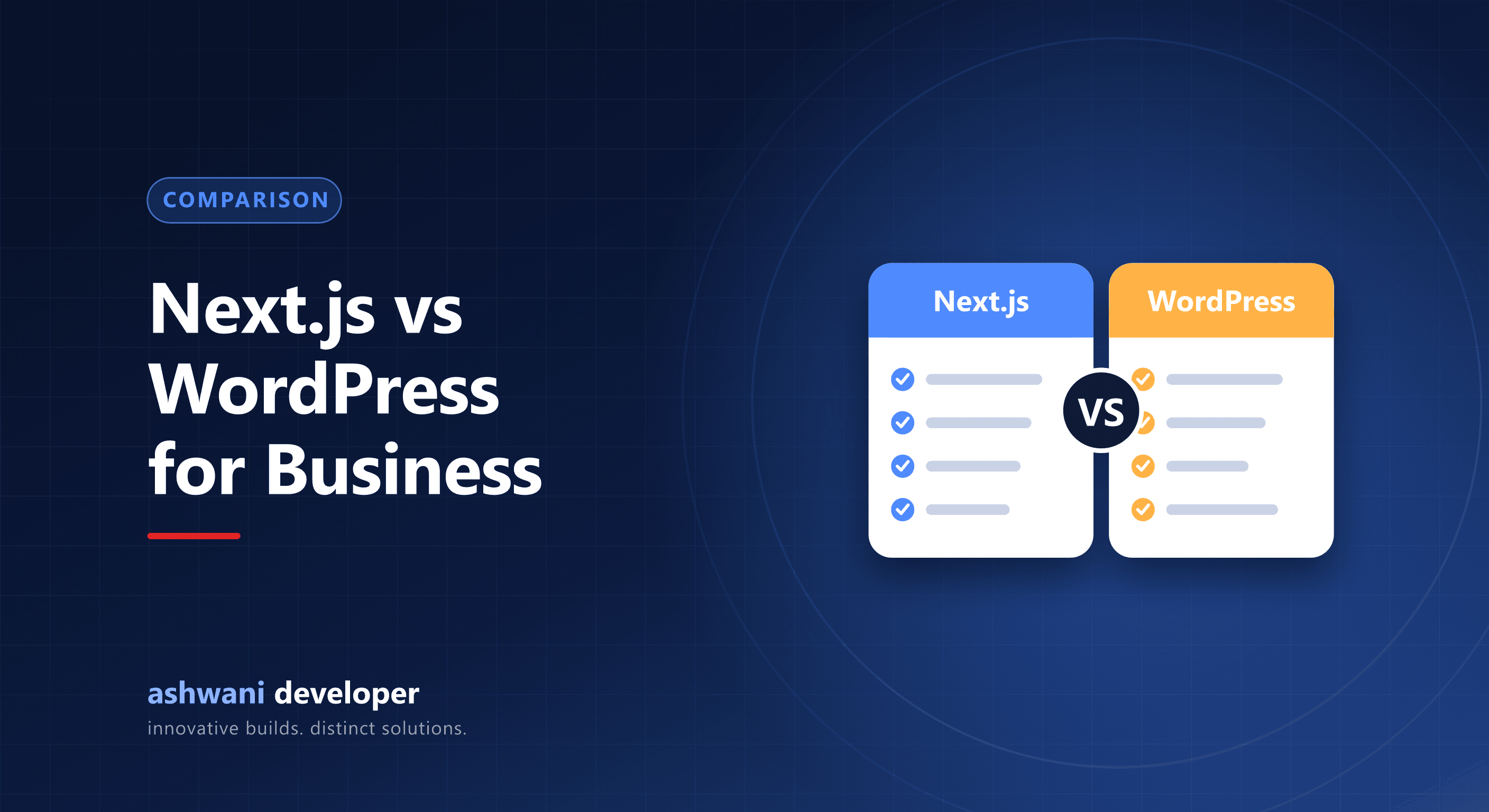
Many business owners search for a WordPress agency without knowing there is an alternative that can be faster and easier to secure. Others hear that Next.js is "better" and assume they must switch. The honest answer is that each fits a different situation. Here is a fair comparison.
What each one is
WordPress is a content management system that powers a large share of the web. You install it, pick a theme, add plugins, and edit through a dashboard. Next.js is a React framework that builds websites and web applications in code. It can be paired with a CMS or admin panel so that you still edit content without touching code.
Speed and Core Web Vitals
Next.js pages can be rendered on the server or pre-built, and it ships only the JavaScript each page needs. That makes fast loading and good Core Web Vitals easier to achieve by default. WordPress can also be fast, but speed usually depends on the theme, number of plugins, hosting, and caching setup, and performance tends to degrade as plugins accumulate.
SEO
Both can rank well. WordPress has mature SEO plugins that make basic optimisation approachable for non-developers. With Next.js, SEO is built into the code: metadata, structured data, sitemaps, canonical tags, and clean URLs are set up precisely, with no plugin overhead. If you want fine control, Next.js is stronger. If you want point-and-click SEO, WordPress is easier.
Security and maintenance
WordPress sites are a frequent target because of their popularity and plugin ecosystem; keeping core, themes, and plugins updated is an ongoing job. A custom Next.js site has a smaller attack surface because there is no public plugin layer, though it still needs secure coding, dependency updates, and sensible hosting.
Editing and content management
WordPress wins on out-of-the-box editing. Next.js can match it when built with an admin panel or headless CMS, which is how this site manages its blog, services, and portfolio. The difference is that the editing experience is designed for your content rather than being generic.
Cost
WordPress is usually cheaper at the start, especially with a purchased theme. Next.js costs more up front because it is custom development, but it can avoid recurring plugin and licence fees and reduces rework when you outgrow a theme. See the factors in website development cost in India.
When to choose WordPress
- You need a simple site quickly on a limited budget.
- Non-technical staff will manage most content and want familiar tools.
- A well-known plugin already does what you need, such as a basic shop or event listing.
When to choose Next.js
- Speed, SEO control, and mobile performance are priorities.
- The site includes custom features, dashboards, user accounts, or integrations.
- You expect to grow into a web application and want a single modern codebase.
- You want a design that is not constrained by a theme.
A practical rule of thumb
If your site is mainly pages and a blog and your team wants the simplest possible editing, WordPress is a fair choice. If your site is a core part of how you win customers, or needs custom behaviour, a Next.js build is usually the better long-term investment.
Not sure which suits you? Read about the website development service or describe your project and get an honest recommendation, even if the answer is WordPress.