Expo vs React Native CLI: Which Should You Use for Your App in 2026?
Expo or bare React Native CLI? Compare setup, native modules, builds, over-the-air updates, and long-term maintenance, and see why most new apps now start with Expo.
Quick answer: start new React Native apps with Expo. The React Native documentation itself recommends using a framework such as Expo for new projects. Modern Expo supports custom native code through development builds and config plugins, so the old reason to avoid it has largely gone. A bare React Native setup still makes sense for some brownfield integrations or very unusual native requirements.
What changed
Early Expo was a closed sandbox: if you needed a native module it did not include, you had to "eject". Today, Expo projects can include any native library, generate native folders when needed, and build in the cloud. Expo has become the standard way to start a React Native app rather than a beginner shortcut.
Comparison
| Factor | Expo | React Native CLI (bare) |
|---|---|---|
| Project setup | Minutes, sensible defaults | Manual native toolchain setup |
| Native modules | Supported via development builds and config plugins | Full manual control |
| Builds | EAS Build in the cloud, including iOS without owning a Mac | Local Xcode and Android Studio, or your own CI |
| Over-the-air updates | EAS Update for JavaScript-only fixes | Requires a separate solution |
| Upgrades | Coordinated SDK releases | Manual native upgrades, often painful |
| Routing | Expo Router with file-based routes | Choose and configure yourself |
Why Expo suits most business apps
- Faster delivery: less time on tooling, more on features.
- Cloud builds remove the need for every developer to maintain Xcode and Android Studio setups.
- OTA updates let you ship urgent JavaScript fixes without waiting for store review, within store policy limits.
- Easier upgrades: staying current with React Native versions is one of the biggest long-term costs of an app.
When bare React Native still makes sense
- Adding React Native screens into an existing native Android or iOS app (brownfield).
- Heavy custom native code maintained by a dedicated native team.
- Strict build environments that cannot use cloud services.
Even then, many teams use Expo's libraries and tools inside a bare project.
Things to know about Expo
- Over-the-air updates can only change JavaScript and assets; new native code needs a store release.
- EAS has free and paid tiers; heavy build usage may need a paid plan.
- Expo Go is for quick experiments; production apps should use development builds.
A typical production setup
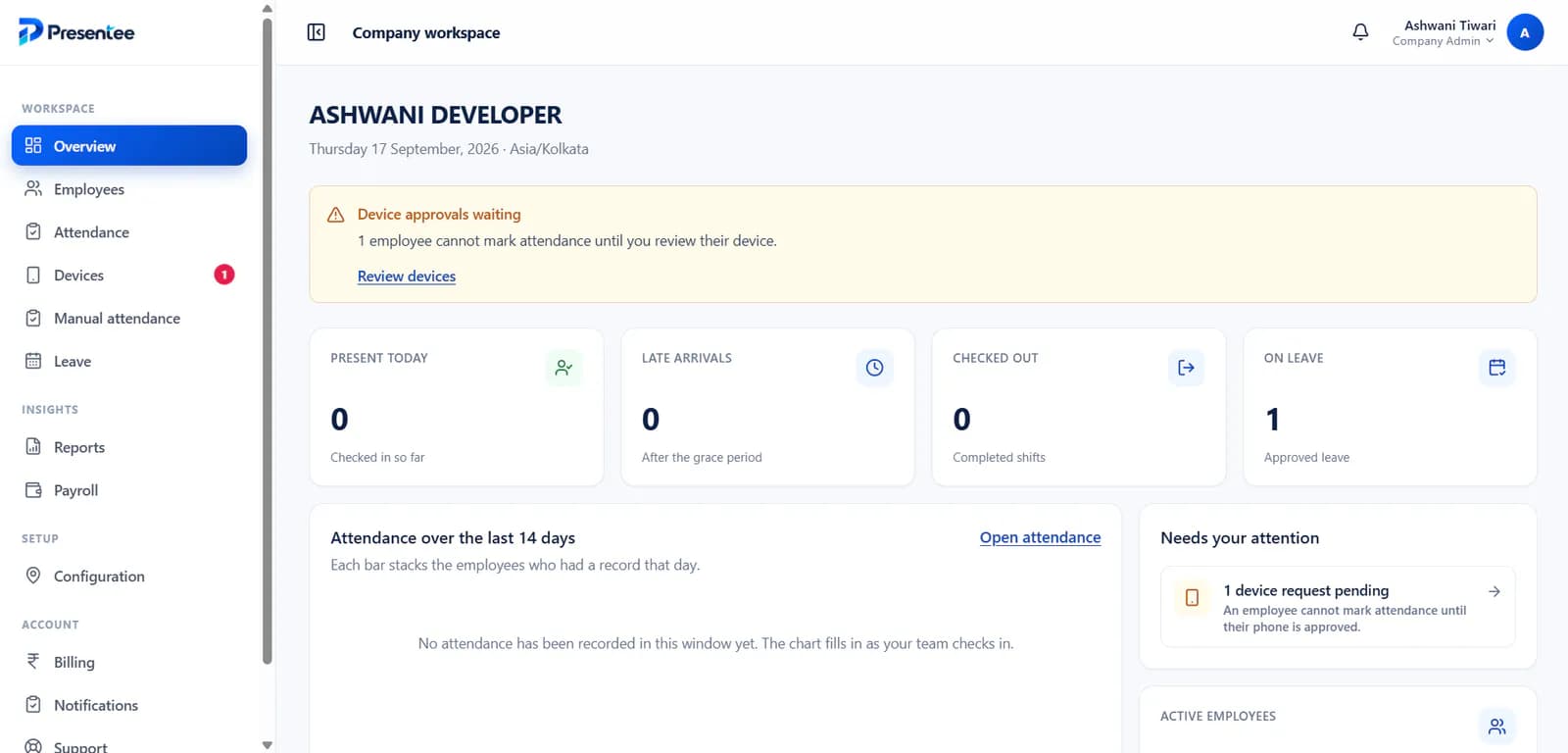
Expo with TypeScript, Expo Router, EAS Build and Submit, EAS Update for hotfixes, and a Node.js API. It is the stack behind Presentee, which ships a native Expo app to Google Play alongside a Next.js web dashboard.
Related reading
Building a React Native app? See the app development service or talk through your setup.