How to Publish an App on Google Play Store: Step-by-Step Guide (2026)
A step-by-step guide to publishing an Android app on Google Play: developer account, app bundle, store listing, data safety, closed testing for new accounts, and review.
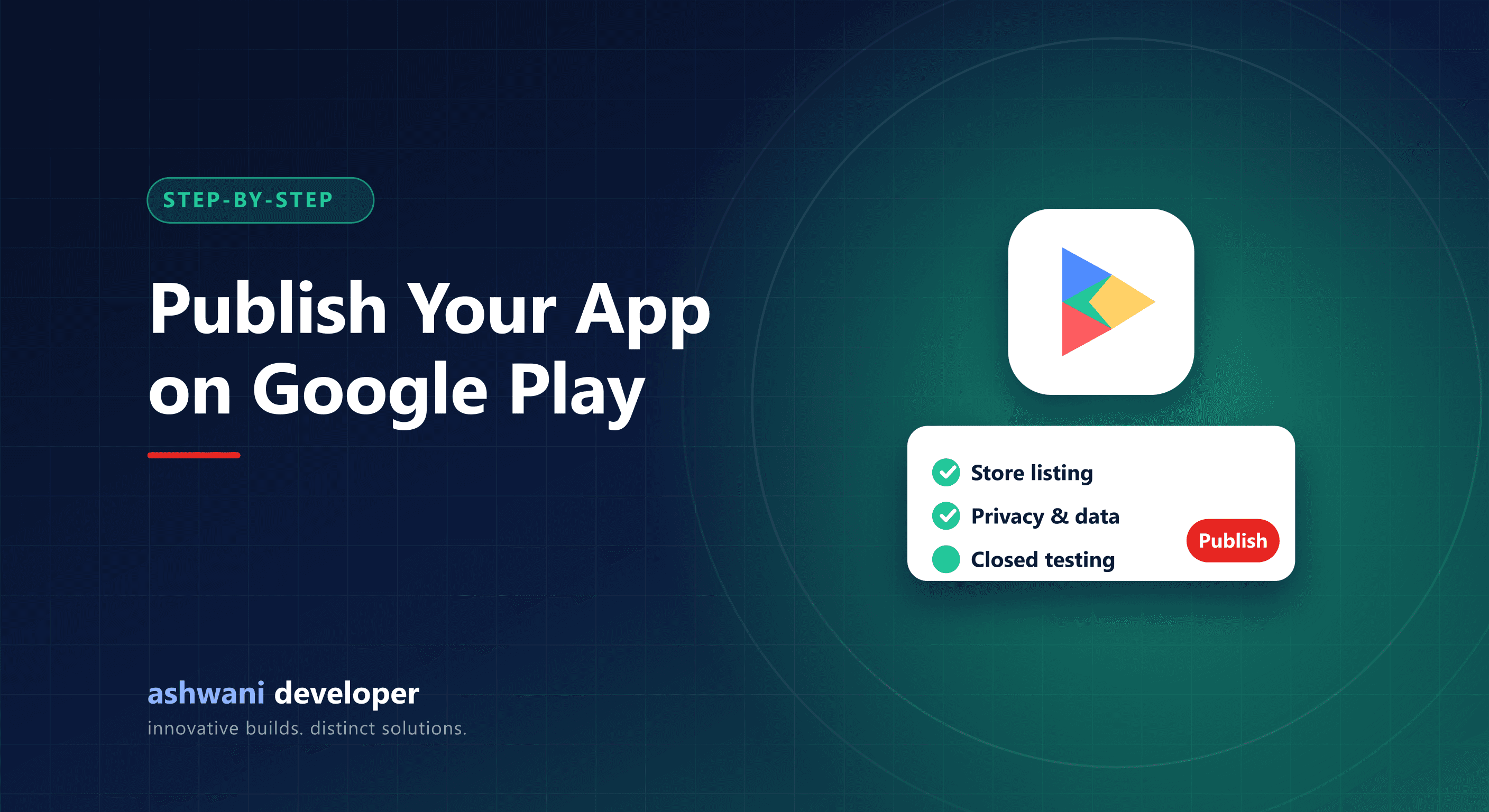
Quick answer: create a Google Play developer account, prepare a signed Android App Bundle, set up the store listing, complete the content rating, data safety, and policy forms, add a privacy policy URL, and release through testing tracks to production. New personal developer accounts must first run a closed test with real testers before production access is granted.
This guide follows the order that avoids the most rejections and delays. Google updates Play Console regularly, so confirm details in the console as you go.
Step 1: Create a developer account
Sign up for Google Play Console and pay the one-time registration fee. Choose the right account type:
- Personal: for individuals. Requires identity verification.
- Organisation: for registered businesses. Requires business verification such as a D-U-N-S number, and shows your organisation as the developer.
For a company app, an organisation account is usually the better long-term choice.
Step 2: Prepare your release build
- Build a signed Android App Bundle (.aab); Play requires bundles for new apps.
- Enrol in Play App Signing so Google manages the app signing key securely.
- Target a recent Android API level as required by Play policy.
- Set a unique package name; it cannot be changed later.
Step 3: Create the app and store listing
- App name and short description (concise and keyword-aware, without stuffing).
- Full description explaining features and benefits.
- App icon, feature graphic, and phone screenshots (add tablet screenshots if supported).
- Category, contact email, and website.
Step 4: Complete the policy declarations
- Privacy policy URL: required for most apps; it must be publicly accessible.
- Data safety form: what data you collect, why, whether it is shared, and whether it is encrypted.
- Content rating questionnaire.
- Target audience: special rules apply if children are included.
- Ads declaration, app access (provide test login credentials if the app requires sign-in), and any sensitive permissions.
- Account deletion: apps that let users create accounts must offer a way to request deletion, including a web link.
Hosting policy and deletion pages on your own domain keeps them stable. This site's Legal Hub does exactly that for its apps.
Step 5: Closed testing for new personal accounts
For personal developer accounts created after November 2023, Google requires a closed test before you can publish to production. The current requirement is at least 12 testers opted in for 14 consecutive days. Plan this into your launch timeline:
- Recruit real testers early: friends, colleagues, or early customers.
- Share the opt-in link and confirm each tester has joined and installed the app.
- Collect feedback and ship fixes during the test.
- Apply for production access when the period is complete, answering questions about your testing.
Organisation accounts are not subject to this specific requirement, which is another reason businesses choose them.
Step 6: Release to production
Create a production release, upload the bundle, write release notes, and choose countries. Consider a staged rollout, releasing to a percentage of users first so you can halt if crashes appear.
Step 7: Review and launch
Review times vary from hours to several days. Common rejection reasons include misleading listings, missing privacy disclosures, excessive permissions, and broken login for reviewers.
After launch
- Monitor Android vitals for crashes and ANRs.
- Reply to reviews professionally.
- Improve your listing with better screenshots and descriptions over time.
- Keep up with target API level requirements each year.
Our account of taking PeerFlow to Google Play describes this process in practice, and the full lifecycle is covered in the mobile app development process.
Want help shipping your app? Store submission is included in the app development service. Get in touch if your release is stuck in review.