Docker for Web Developers: A Practical Beginner's Guide
What Docker is and why web developers use it: images, containers, Dockerfiles, Docker Compose for local development, and deploying containers to a server.
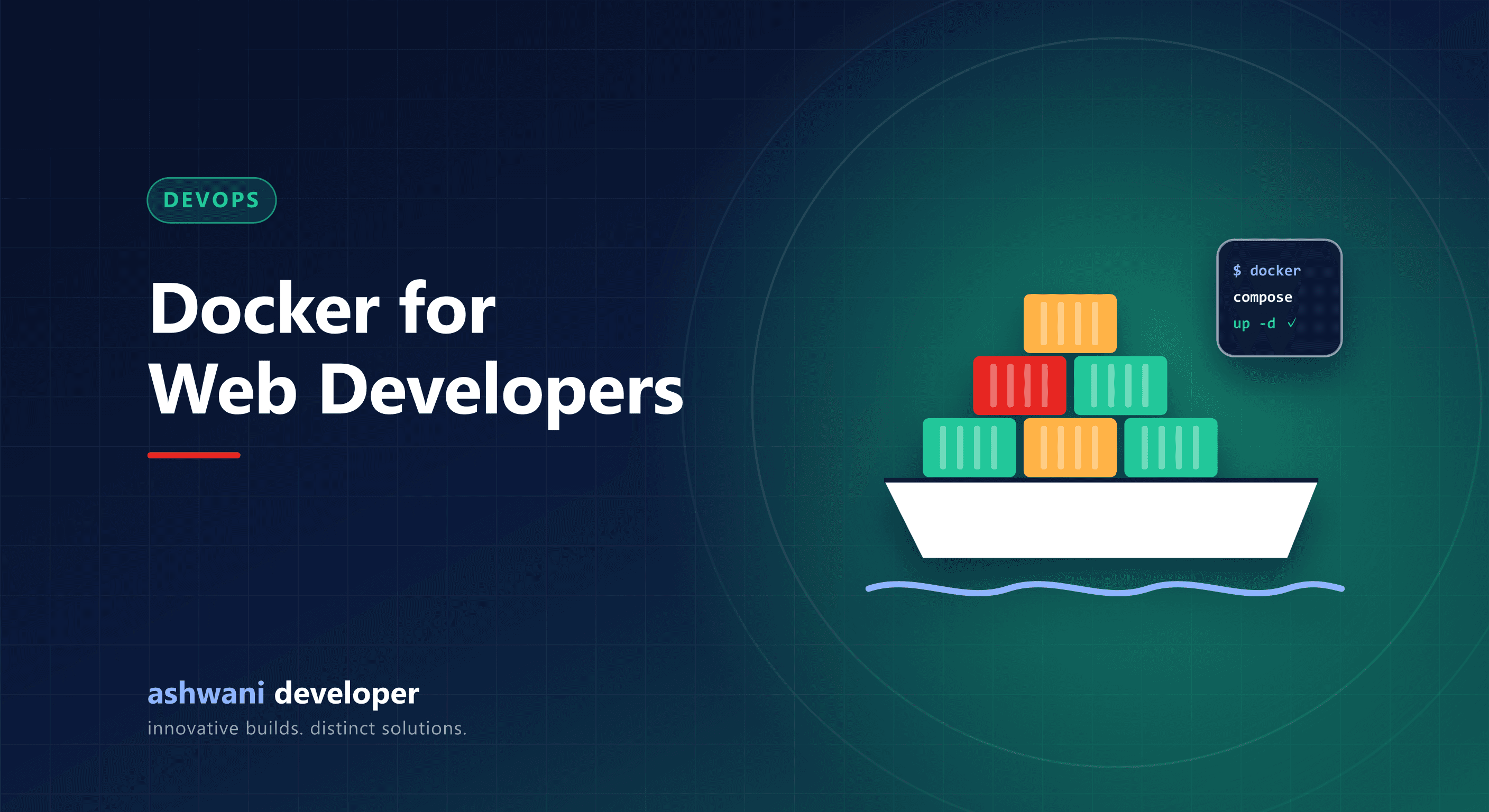
Quick answer: Docker packages your application with everything it needs (runtime, dependencies, configuration) into an image that runs the same way on any machine. Developers use it to make local setup reproducible and deployments predictable, removing the "works on my machine" problem.
Key concepts
- Image: a read-only template containing your app and its environment.
- Container: a running instance of an image.
- Dockerfile: instructions to build an image.
- Registry: where images are stored and shared, such as Docker Hub or GitHub Container Registry.
- Docker Compose: a file that defines several containers that run together, such as an app plus a database.
A typical Node.js Dockerfile, explained
- Start from an official Node.js base image with a pinned version.
- Copy
package.jsonand the lockfile, then install dependencies, so this layer is cached when only code changes. - Copy the source code and build it.
- Use a multi-stage build so the final image contains only what is needed to run, keeping it small.
- Run as a non-root user and expose the app's port.
Docker Compose for local development
One docker compose up can start your API, front end, database, and cache together with the right versions. New developers can run the full stack in minutes without installing databases manually.
Benefits
- Identical environments for development, testing, and production.
- Easy rollbacks by running the previous image version.
- Clean servers: each app is isolated in its own container.
- Natural fit for CI/CD pipelines.
Common mistakes
- Huge images from copying
node_modulesor build caches; use a.dockerignorefile. - Secrets baked into images; pass them as environment variables or secrets at runtime.
- Storing database data inside a container without a volume, which loses data when the container is removed.
- Using
latesttags, which makes builds unpredictable.
Deploying containers
On a VPS, a CI pipeline builds the image, pushes it to a registry, and the server pulls and restarts it, with a health check confirming success. See CI/CD for small teams and scaling with CI/CD and Docker.
Do you always need Docker?
No. A single small app on a VPS can run well with a process manager such as PM2; see deploying Next.js with PM2. Docker becomes valuable as services, team members, and environments multiply.
Want deployments you can trust? See development services or get in touch.