CI/CD for Small Teams: GitHub Actions, Docker, and Safe Deployments Explained
What CI/CD means for small teams and freelancers, how GitHub Actions and Docker automate testing and deployment, and how to ship updates without downtime or manual errors.
Manual deployments feel fine until the day someone uploads the wrong file, forgets a step, or breaks the live site on a Friday evening. CI/CD replaces that fragile routine with an automated pipeline that is the same every time. You do not need a large team or a cloud budget to benefit from it.
What CI/CD means
- Continuous integration (CI): every code change is automatically built and tested, so problems are found within minutes of being introduced.
- Continuous delivery or deployment (CD): code that passes the checks is automatically released to a server, with no manual copying of files.
The typical small-team pipeline
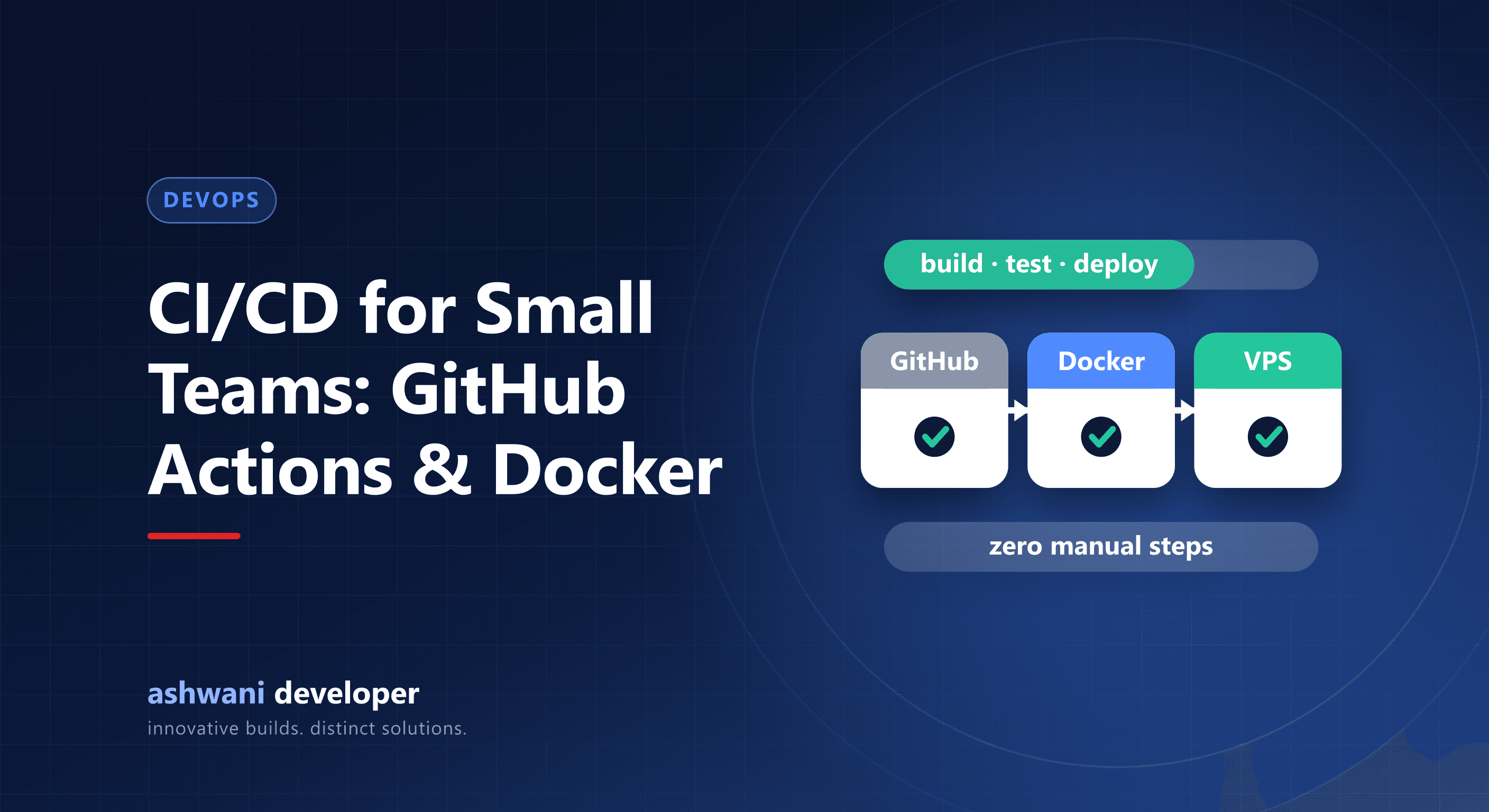
- A developer pushes code to a GitHub repository.
- GitHub Actions starts a workflow that installs dependencies, runs linting and tests, and builds the project.
- The build is packaged into a Docker image so it runs the same everywhere.
- The pipeline connects securely to the server, such as a VPS, pulls the new image, and restarts the application.
- A health check confirms the new version is running, and the pipeline rolls back if it is not.
Why Docker helps
Docker packages the application with everything it needs. This removes the classic "it works on my machine" problem and makes moving between servers, or scaling later, far simpler. It also keeps staging and production consistent.
Benefits you will notice
- Fewer mistakes: no manual steps to forget.
- Faster releases: small, frequent updates become routine and low risk.
- Quicker recovery: rolling back to a previous version takes minutes.
- Better collaboration: every change is reviewed and tested before it goes live.
- An audit trail: you can see what changed, when, and by whom.
Good practices
- Store secrets, such as server keys and API tokens, in GitHub's encrypted secrets, never in the repository.
- Run the pipeline on pull requests so problems are caught before merging.
- Deploy to a staging environment first for important releases.
- Keep workflows simple and readable, and add steps only when they solve a real problem.
- Monitor the live site after each release.
When it is worth it
If your site or application changes more than occasionally, or if downtime costs you money, automation pays for itself quickly. Even a static brochure site gains from automatic deployment, because content updates become safe and repeatable. We cover the journey in more depth in our engineering articles, including how the deployment pipeline behind Track Time CRM works.
Get deployment automated
Pipelines like this are included in custom projects on the website development and CRM development services. If your current release process is manual and stressful, talk about automating it. For keeping everything healthy afterwards, see the website maintenance checklist.