React Native Performance Optimization: 12 Fixes for Faster, Smoother Apps
Practical React Native performance tips: the New Architecture, Hermes, list virtualisation, re-render control, image handling, animations, startup time, and profiling.
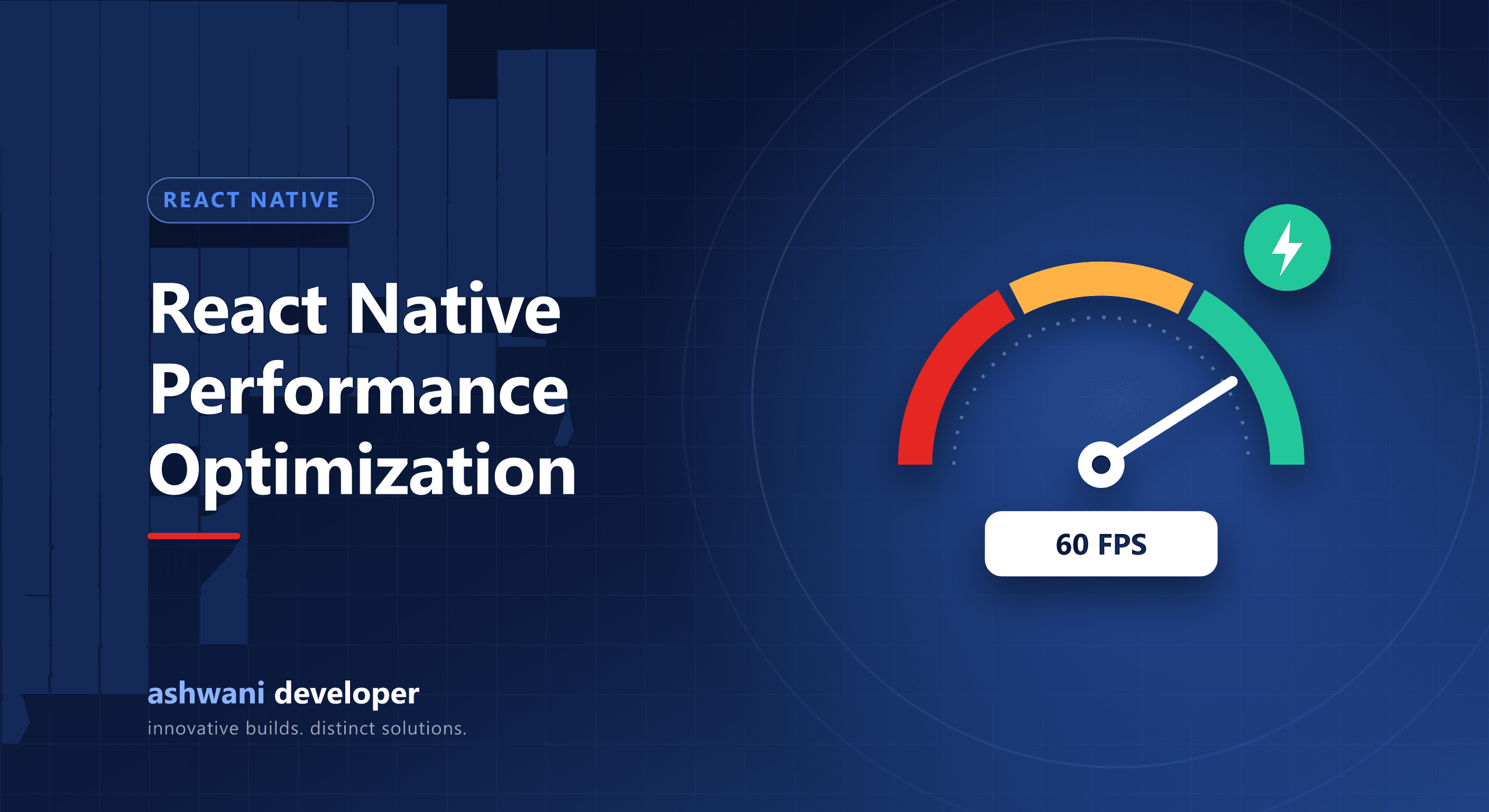
Quick answer: stay on a current React Native version with the New Architecture and Hermes, virtualise long lists, prevent unnecessary re-renders, size and cache images, run animations on the UI thread, keep startup work minimal, and profile on a real low-end Android phone.
Foundation
1. Stay current
Recent React Native versions enable the New Architecture by default and ship many performance improvements. Falling several versions behind makes upgrades painful and leaves speed on the table.
2. Use Hermes
Hermes is the default JavaScript engine and improves startup time and memory use, especially on Android.
Lists
3. Never render long lists with ScrollView
Use FlatList or a high-performance list library such as FlashList, which only render visible items.
4. Tune list rendering
Provide stable keyExtractor values, memoise row components, set getItemLayout or estimated sizes where possible, and keep row components light.
Rendering
5. Avoid unnecessary re-renders
Use React.memo, useCallback, and useMemo where profiling shows re-renders matter. Split large contexts so a small change does not re-render the whole app.
6. Keep state close to where it is used
Global state that changes often, such as timers or live data, should not force unrelated screens to update.
Images and media
7. Serve correctly sized images
Request images at the size they display, use modern formats, and cache them with an image library that supports disk caching.
Animations
8. Run animations on the UI thread
Use Reanimated or the native driver so animations stay smooth even when JavaScript is busy.
Startup
9. Do less at launch
Defer non-critical work such as analytics setup and prefetching until after the first screen renders. Lazy-load screens that are not needed immediately.
10. Trim dependencies
Each heavy library adds bundle size and startup cost. Remove unused packages regularly.
Network
11. Cache and paginate
Use a data library with caching, paginate API responses, and show cached data instantly while refreshing in the background. See offline-first apps.
Measure
12. Profile on real devices
Use React Native DevTools and the React profiler, and test release builds on a mid-range or low-end Android phone. Emulators and flagship phones hide most problems.
Related reading
Is your app slow or janky? See app development or ask for a performance review.