All insights
Offline-First Mobile Apps: How to Build Apps That Work Without Internet
How offline-first mobile apps work: local storage, sync queues, conflict resolution, background sync, and UX patterns for field teams and users on unreliable networks in India.
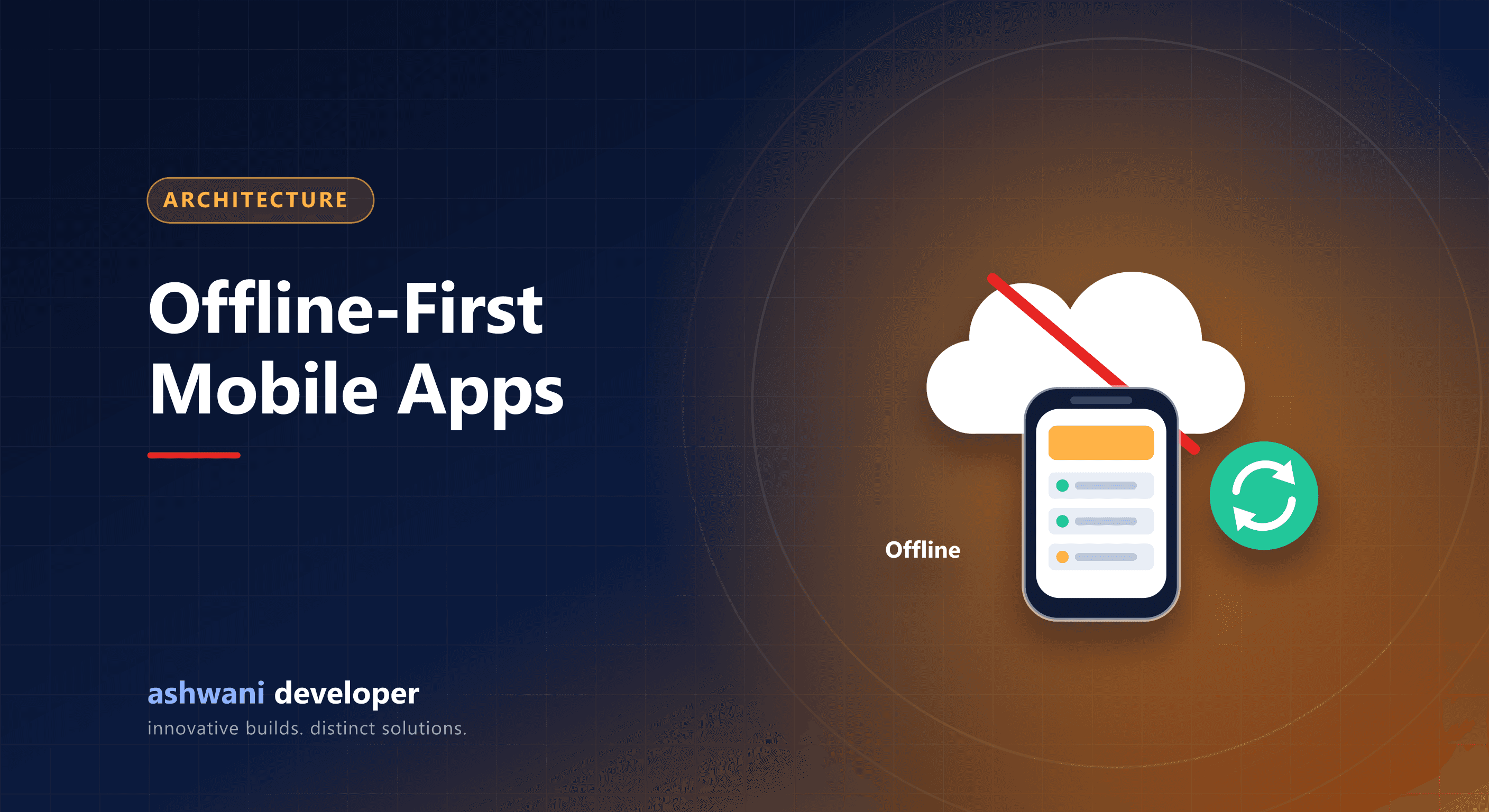
Quick answer: an offline-first app saves data on the device first, shows it immediately, queues changes while offline, and syncs with the server when a connection returns, resolving conflicts with clear rules. It is essential for field staff, rural users, and anyone on unreliable networks.
Who needs offline-first
- Field sales and service teams visiting sites with poor coverage.
- Delivery and logistics staff in basements and highways.
- Survey, inspection, and data collection apps.
- Health and education apps used in rural areas.
How it works
- Local database: the app reads and writes to on-device storage such as SQLite.
- Immediate UI: the user sees their change instantly, not after a server round trip.
- Outbox queue: each change is stored as a pending operation.
- Sync: when connectivity returns, queued operations are sent in order, and server changes are pulled down.
- Conflict resolution: rules decide what happens when the same record changed in two places.
Conflict strategies
| Strategy | How it works | Good for |
|---|---|---|
| Last write wins | Most recent change overwrites | Simple fields, low risk |
| Field-level merge | Merge changes to different fields | Forms and profiles |
| Append-only | Never edit, only add events | Attendance, logs, visits |
| Manual review | Flag conflicts for a person to resolve | Financial or critical data |
Technical tips
- Give every record a client-generated unique ID so offline-created records do not collide.
- Make server endpoints idempotent so retried syncs do not duplicate data.
- Record server-side timestamps for anything time-sensitive, such as attendance, to prevent manipulation of device clocks.
- Sync in small batches and handle partial failure.
- Compress or defer large uploads such as photos until on Wi-Fi if appropriate.
UX patterns
- Show a subtle offline indicator, not a blocking error.
- Mark items as "pending sync" until confirmed.
- Let users keep working; never lose their input.
- Explain conflicts in plain language when they need a decision.
Real examples
Attendance and health-tracking apps depend on these patterns: records must be captured reliably even when the network drops and synchronised safely later. See attendance management systems and healthcare app development.
Need an app that works in the field? See app development or describe your users' conditions.