All insights
Custom GST Billing Software: When Your Business Needs More Than an Off-the-Shelf Tool
What GST billing software needs to handle in India, when ready-made billing tools are enough, and when a custom billing system integrated with your CRM and inventory makes sense.
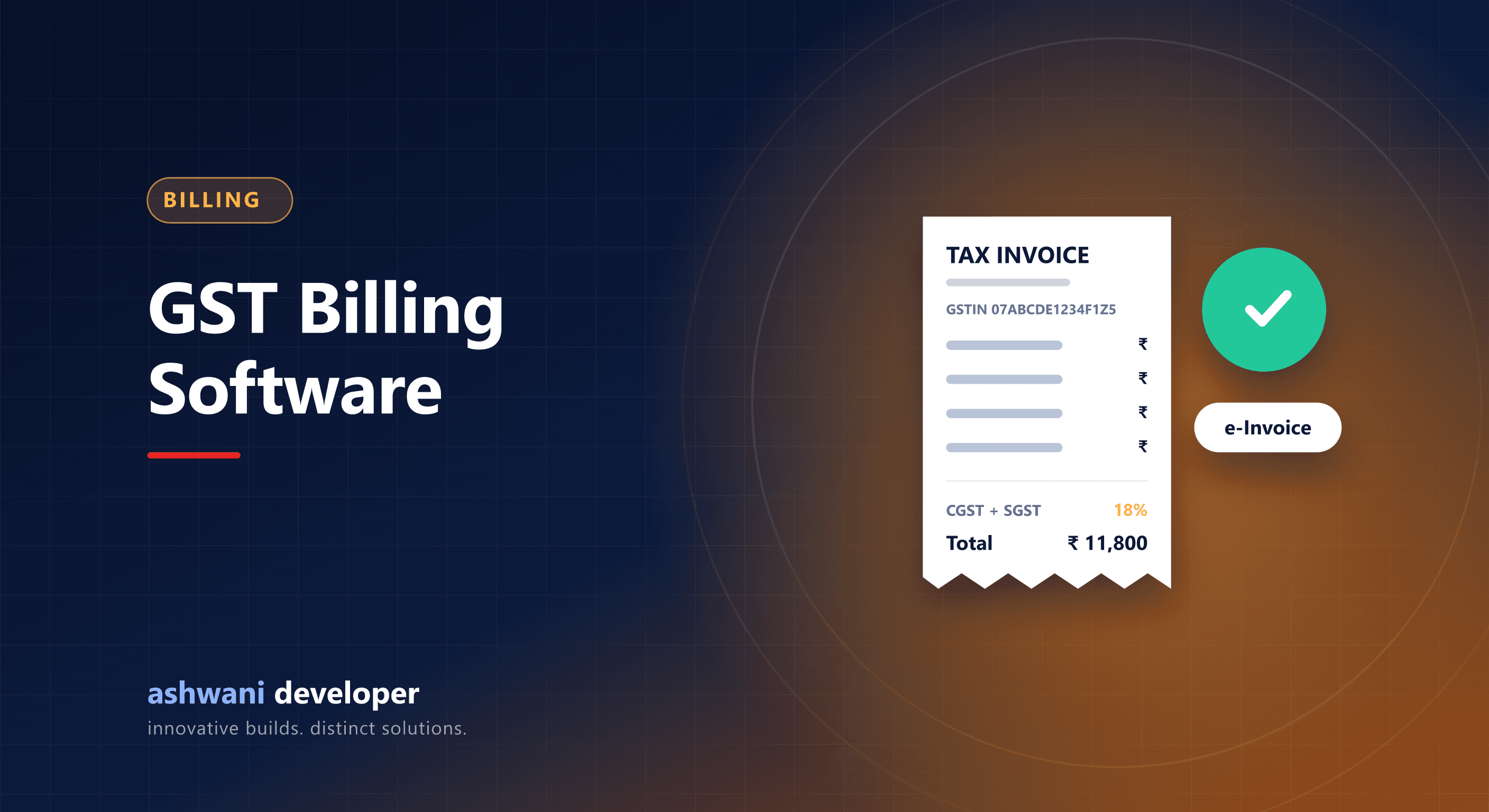
Quick answer: GST billing software must produce compliant tax invoices with correct GST rates, HSN or SAC codes, and place-of-supply logic, track payments, and export data for returns. Ready-made tools suit simple businesses; custom billing pays off when billing is tightly linked to your own orders, subscriptions, projects, or CRM.
What compliant billing must handle
- Correct invoice details: GSTINs, invoice numbering series, dates, and addresses.
- HSN codes for goods and SAC codes for services.
- CGST and SGST for intra-state supply, IGST for inter-state supply, based on place of supply.
- Credit notes and debit notes for returns and adjustments.
- E-invoicing (IRN and QR code) for businesses above the notified turnover threshold, and e-way bills for applicable goods movement.
- Reports and exports that support filing returns.
Tax rules change, so confirm requirements for your business with your chartered accountant.
When ready-made billing software is enough
- Straightforward retail or service invoicing.
- Few integrations with other systems.
- Standard reports meet your needs.
When custom billing makes sense
- Invoices are generated from your own platform: online orders, bookings, subscriptions, or project milestones.
- Complex pricing: contract rates, slabs, usage-based charges, or dealer-specific price lists.
- Billing must sync with CRM, inventory, and payment gateway in real time.
- Multiple entities or branches with separate GSTINs.
Architecture of a custom billing module
- Orders or milestones from your system trigger invoice creation.
- A tax engine applies rates and place-of-supply rules.
- Invoices get unique numbers per series and are stored immutably; corrections go through credit or debit notes.
- Payments from the gateway reconcile against invoices automatically; see payment gateway integration.
- Data syncs to accounting software or is exported for your accountant.
Good practices
- Never edit or delete issued invoices; keep an audit trail.
- Store invoice PDFs and send them automatically by email or WhatsApp.
- Automate payment reminders for overdue invoices.
Related reading
Need billing integrated with your business system? See CRM and ERP development or describe your billing flow.