AI Invoice and Document Processing: Automate Data Entry for Your Business
How AI document processing extracts data from invoices, receipts, forms, and KYC documents into your systems, with accuracy safeguards, human review, and privacy considerations.
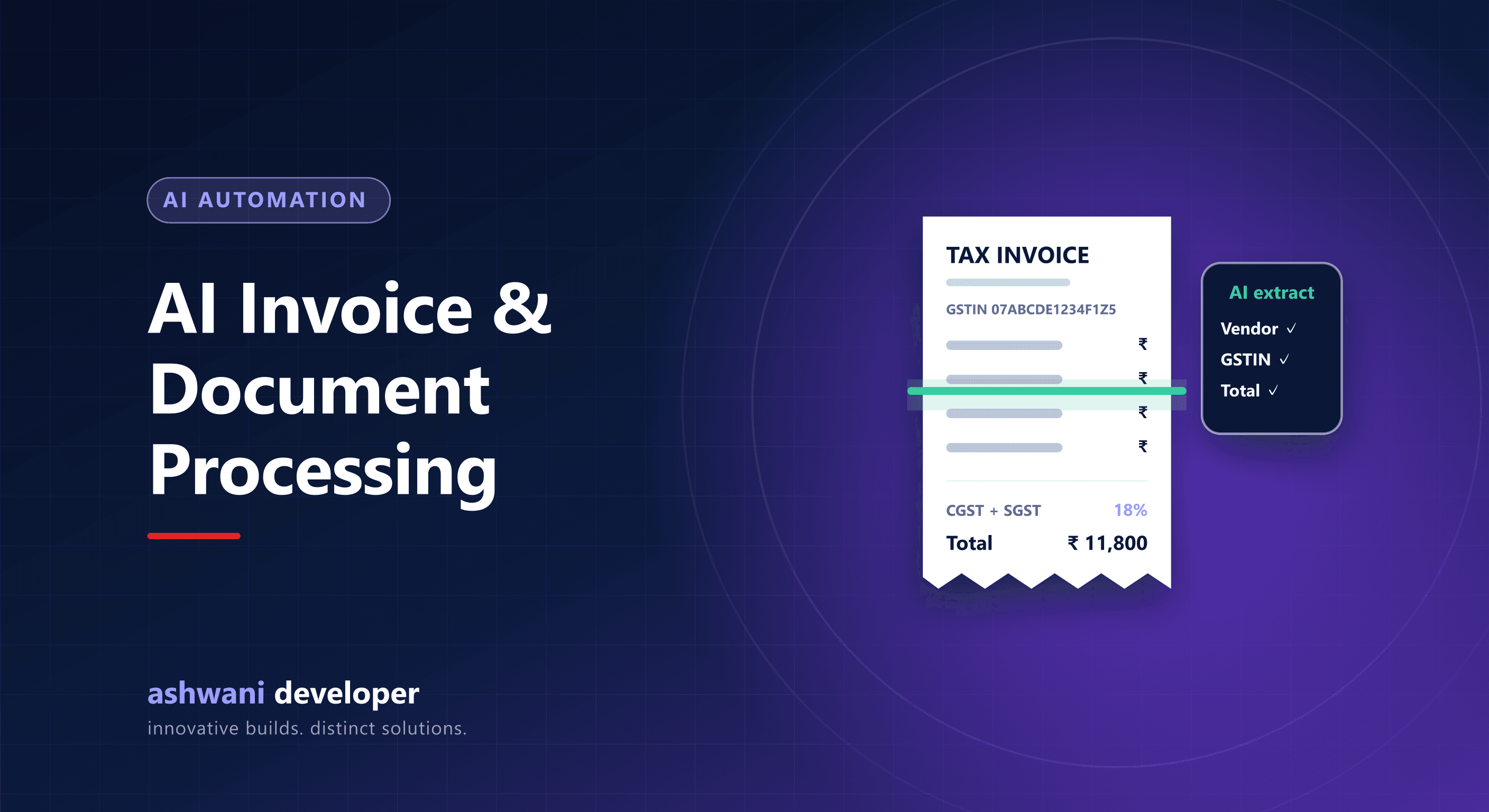
Quick answer: AI document processing reads invoices, receipts, purchase orders, and forms, extracts fields such as supplier, GSTIN, dates, line items, and totals, validates them, and sends the data into your accounting, ERP, or CRM. A human reviews low-confidence results, so speed improves without sacrificing accuracy.
What it replaces
Teams spend hours typing invoice details, checking totals, and filing documents. Errors creep in, and month-end becomes a scramble. Automated extraction turns this into a review task instead of a typing task.
How it works
- Capture: documents arrive by email, upload, WhatsApp, or scanner.
- Read: OCR and AI models read text from PDFs and photos, including tables.
- Extract: fields are identified and structured, such as vendor, invoice number, GST amounts, and line items.
- Validate: rules check totals, tax calculations, GSTIN format, duplicates, and matching purchase orders.
- Review: anything uncertain goes to a person with the document shown side by side.
- Post: approved data is sent to accounting, ERP, or CRM.
Good use cases
- Supplier invoices and purchase bills.
- Expense receipts and travel claims.
- Purchase orders from customers received as PDFs.
- KYC and onboarding documents.
- Delivery notes and logistics documents.
Accuracy safeguards
- Confidence thresholds that route doubtful fields to human review.
- Arithmetic and tax checks on every document.
- Duplicate detection by invoice number and supplier.
- Audit trail of extracted values and any corrections.
Privacy and security
Financial and identity documents are sensitive. Understand where documents are processed and stored, restrict access, set retention periods, and avoid sending personal data to services without appropriate agreements. India's data protection law applies to personal data in these documents.
Start small
Pick one document type with high volume, such as supplier invoices, measure the time spent today, automate it with review, and expand once accuracy is proven.
Related reading
Want to automate document-heavy work? See AI and automation or share a sample workflow.