All insights
AI Agents for Business: What They Can Actually Do Today (and What They Can't)
A grounded guide to AI agents for business: how they differ from chatbots, practical use cases, tool access, guardrails, human approval, costs, and how to start safely.
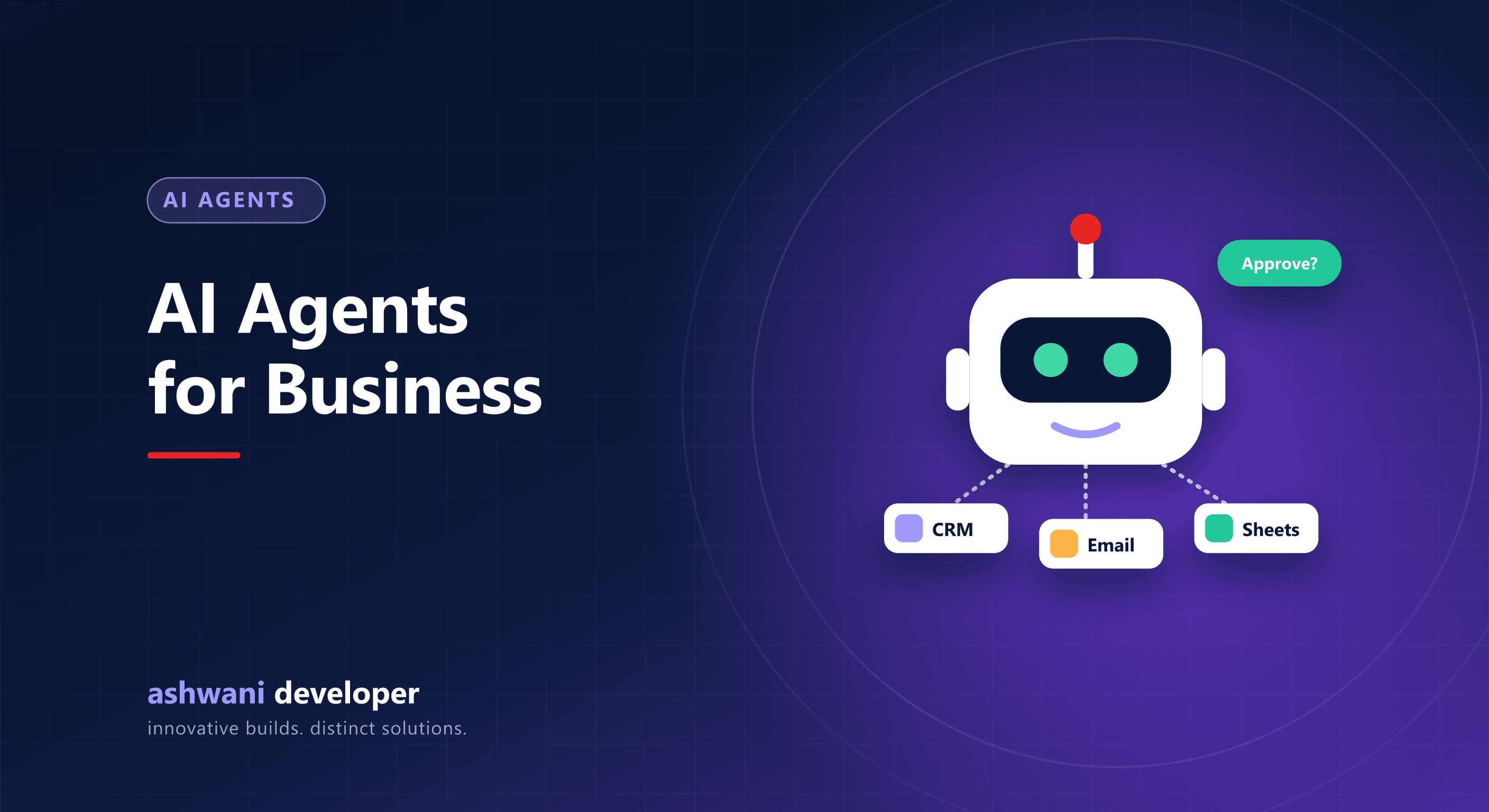
Quick answer: an AI agent is an AI system that can take actions using tools you give it, such as searching your CRM, drafting emails, or updating records, rather than only answering questions. Agents work well for well-defined, multi-step tasks with clear rules and human approval for important actions. They are not yet reliable for open-ended, high-stakes decisions without oversight.
Chatbot vs agent
| Chatbot | AI agent | |
|---|---|---|
| Main job | Answer questions | Complete tasks |
| Tools | Usually none, or search only | APIs, databases, email, calendars |
| Steps | One response | Plans and performs several steps |
| Risk | Wrong answer | Wrong action |
See AI chatbots for websites for the question-answering side.
Practical use cases
- Lead qualification: read an enquiry, look up the company, score it, draft a reply, and create a CRM task.
- Support triage: classify tickets, gather order details, suggest a resolution, and escalate when needed.
- Back-office tasks: reconcile documents, flag mismatches, prepare summaries for approval.
- Reporting: pull data from several systems and write a weekly summary.
- Internal assistants: answer staff questions and perform simple actions such as creating requests.
What makes agents work reliably
- Narrow scope: one job with clear success criteria.
- Limited tools: only the actions needed, with least-privilege access.
- Human approval for sending external messages, payments, or deleting data.
- Grounding in your own data rather than guessing.
- Logging of every step for review and debugging.
- Evaluation: test against real examples before and after changes.
Risks to manage
- Confident but wrong actions; keep humans in the loop for anything consequential.
- Prompt injection from untrusted content such as emails or web pages; never let such content grant new permissions.
- Data privacy; control what data reaches external AI services.
- Runaway costs; set usage limits and alerts.
How to start
- Pick a repetitive, rule-based process that already has clear steps.
- Automate it with a fixed workflow first; add AI only where judgment on text is needed.
- Run the agent in "suggest" mode with human approval.
- Measure accuracy and time saved, then expand gradually.
Often the best result combines deterministic automation with AI steps; see n8n vs Zapier vs custom code.
Exploring agents for your team? See AI and automation or describe the process. Related: AI automation for small business.