All insights
n8n vs Zapier vs Custom Code: Choosing the Right Business Automation Tool
Compare n8n, Zapier, and custom-coded automation for business workflows: pricing model, self-hosting, data control, complexity, reliability, and when to switch.
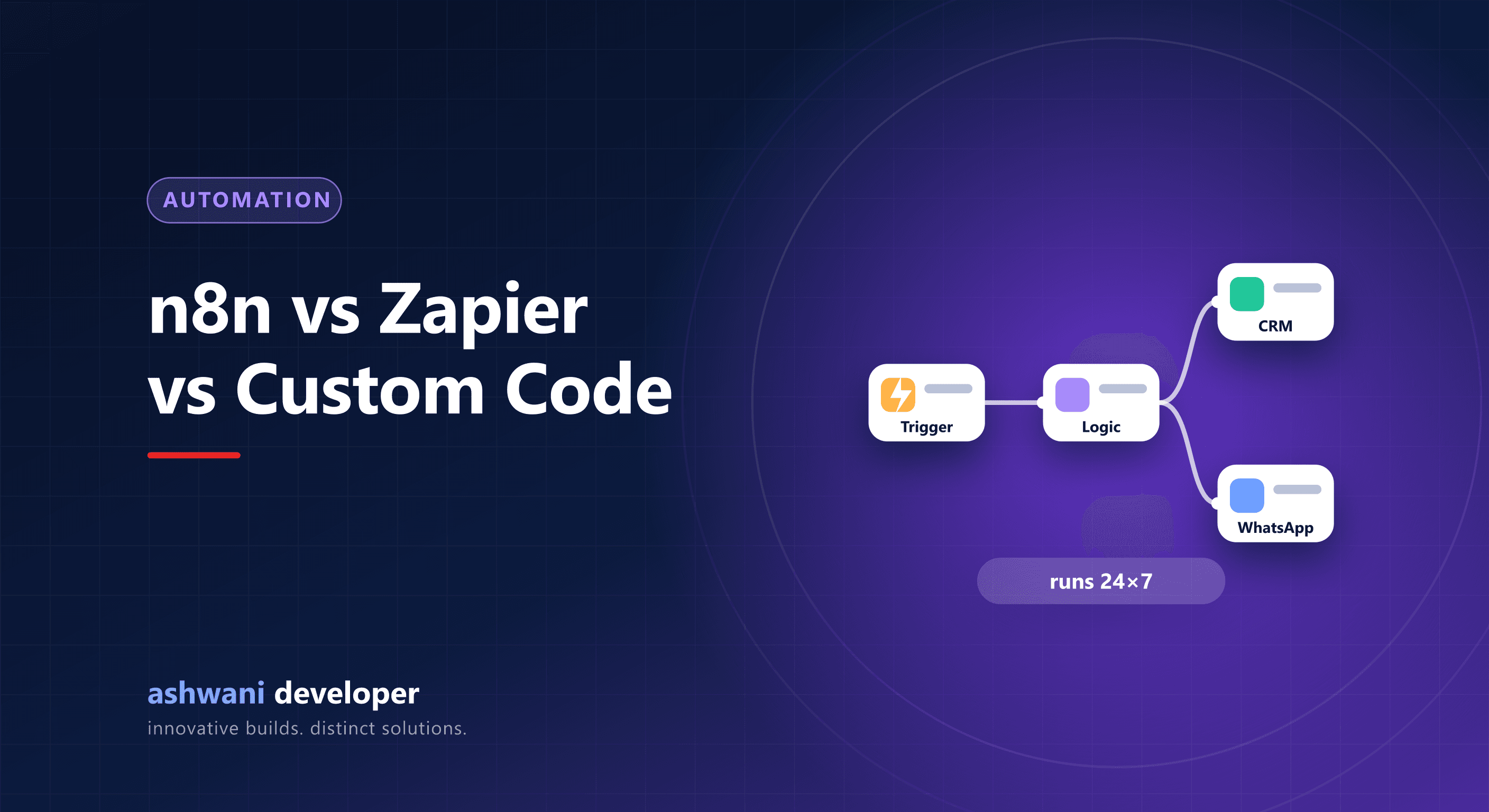
Quick answer: use Zapier for quick, simple automations between popular apps with no technical setup. Use n8n when you want more complex workflows, lower cost at volume, or self-hosting for data control. Use custom code when automation is core to your product, needs strict reliability, or outgrows what visual tools handle cleanly.
What each one is
- Zapier: a hosted no-code platform connecting thousands of apps with triggers and actions. Pricing is based on usage tasks.
- n8n: a visual workflow tool that can be self-hosted or used in the cloud, with code nodes for custom logic. Its source is available under a fair-code licence that permits self-hosting for internal use.
- Custom code: automations written as part of your own backend, for example Node.js services with queues and schedulers.
Comparison
| Factor | Zapier | n8n | Custom code |
|---|---|---|---|
| Setup speed | Fastest | Fast | Slowest |
| Technical skill | None | Some | Developer required |
| Cost at high volume | Can grow quickly | Lower, especially self-hosted | Server cost plus development |
| Data control | Third-party cloud | Can stay on your server | Full control |
| Complex logic | Limited | Good, with code nodes | Unlimited |
| Version control and testing | Limited | Moderate | Full |
| Maintenance | Handled by vendor | You maintain if self-hosted | You maintain |
When Zapier is the right choice
- Connecting common SaaS tools, such as forms to sheets to email.
- Low volume, where per-task pricing stays small.
- No developer available and you need it running today.
When n8n is the right choice
- Multi-step workflows with branching, loops, and data transformation.
- High volume, where per-task pricing would get expensive.
- Sensitive data that you prefer to keep on your own infrastructure.
- AI workflows combining language models with your internal tools.
When custom code is the right choice
- The automation is part of your product, such as order processing or billing.
- You need guaranteed delivery, retries, idempotency, and monitoring.
- Logic is complex enough that a visual canvas becomes hard to understand.
- You want tests and code review for every change.
A sensible progression
Many businesses start with Zapier to prove an automation is valuable, move high-volume or sensitive workflows to n8n, and rebuild the most critical flows as code inside their CRM or backend. There is no shame in using no-code tools; the mistake is running business-critical processes on fragile automations nobody monitors.
Reliability tips for any tool
- Alert someone when a workflow fails.
- Make steps safe to retry without duplicating records.
- Store credentials securely and rotate them.
- Document what each workflow does and who owns it.
Need help choosing or building automations? See AI and automation services or describe the workflow. Related: AI automation for small business and API integration.