App Store Optimization (ASO) Guide: Rank Higher on Google Play and the App Store
A practical ASO guide: app titles, short descriptions, keywords, screenshots, ratings, localisation, and testing to improve visibility and installs on Google Play and the App Store.
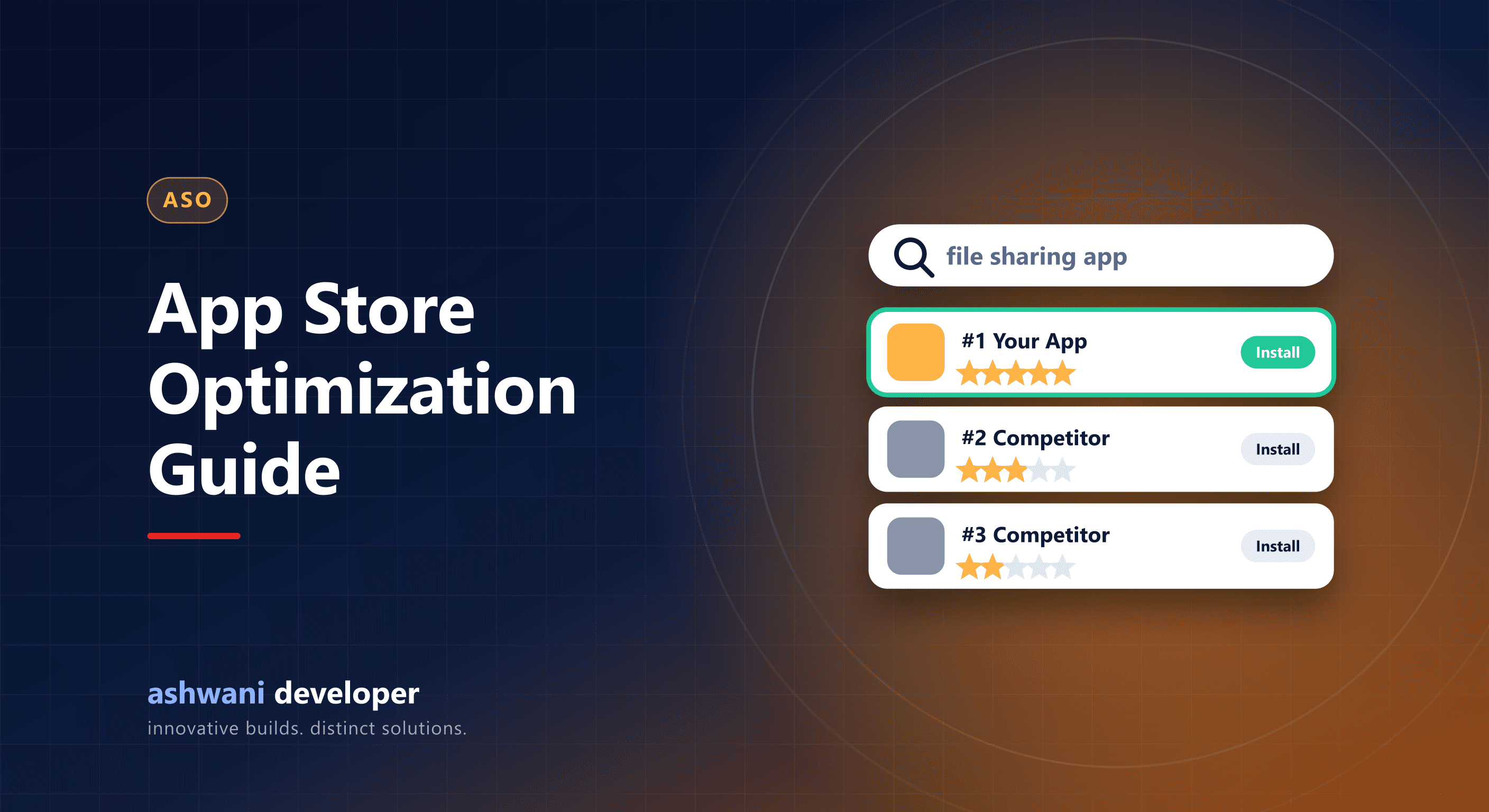
Quick answer: ASO improves how your app ranks and converts in app store search. Put your main keyword naturally in the title, write clear descriptions, use every keyword field available, design screenshots that sell the benefit, earn good ratings, and test listing variations.
How the stores differ
| Element | Google Play | App Store |
|---|---|---|
| Title | Up to 30 characters | Up to 30 characters |
| Second line | Short description, up to 80 characters | Subtitle, up to 30 characters |
| Keywords | Read from title and descriptions | Hidden keyword field, 100 characters |
| Long description | Indexed for search | Not used for search ranking |
| Testing | Store listing experiments | Product page optimisation tests |
Keyword research
List what users would type to find an app like yours, then check store autocomplete suggestions and competitor listings. Choose keywords that are relevant and realistic rather than the most competitive generic terms.
Title and short text
- Brand name plus a main keyword, for example "PeerFlow: P2P File Sharing".
- Write for humans first; stuffing looks spammy and can break policy.
- Use the short description or subtitle to state the core benefit.
Descriptions
Open with the main benefit in the first lines, which users see before expanding. On Google Play, use relevant keywords naturally throughout, structured with short paragraphs or lists.
Visual assets convert browsers into installers
- The first two or three screenshots matter most; show the main benefit with a short caption.
- Show real app screens, not abstract graphics.
- Use a clear, recognisable icon that works at small sizes.
- A short preview video can help for complex apps.
Ratings and reviews
Ratings affect both ranking and conversion. Use the in-app review prompts after a positive moment, fix the issues people complain about, and reply to reviews. Never buy reviews.
Technical quality
Crash rates, app-not-responding errors, and uninstalls can affect visibility. A stable, fast app is part of ASO; see the app maintenance checklist.
Localisation
Translate listings for key markets and languages, including Hindi for Indian audiences where relevant.
Drive installs from outside the store
Your website, social channels, and email can send users to your listing. External installs and engagement help signal relevance.
Launching an app? Start with publishing on Google Play and the App Store, or see app development.