Mobile App Maintenance Checklist: Keep Your App Fast, Secure, and Store-Compliant
What app maintenance involves after launch: OS and SDK updates, store policy changes, crash monitoring, security patches, backend care, and a monthly and yearly checklist.
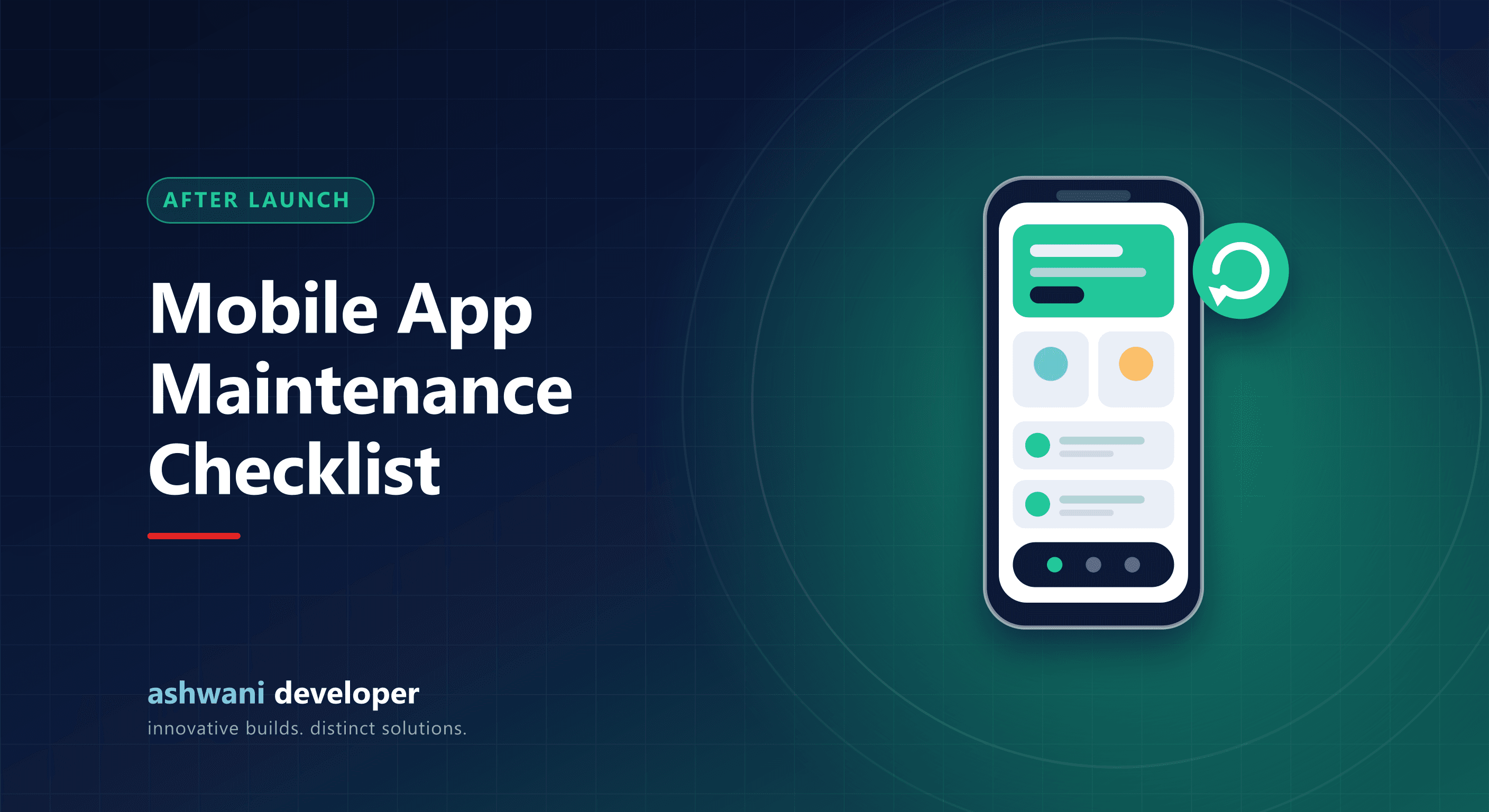
Quick answer: app maintenance means keeping the app compatible with new Android and iOS versions, meeting store policy deadlines, fixing crashes, patching security issues, updating dependencies, and keeping the backend healthy. Apps that are not maintained gradually break, get poor reviews, or are removed from stores.
Launch day is not the finish line. Phones update, stores change rules, libraries age, and users find edge cases nobody tested. A steady maintenance routine is far cheaper than an emergency rebuild.
Why apps break without maintenance
- New OS versions change permissions, background behaviour, and UI.
- Store requirements: Google Play requires apps to target recent Android API levels, and Apple raises minimum SDK requirements for new submissions.
- Dependencies receive security fixes and drop support for old versions.
- Third-party APIs such as payment, maps, and messaging providers deprecate old endpoints.
- Certificates and keys expire.
Weekly
- Review crash reports and fix the most frequent crashes.
- Read and reply to store reviews.
- Check backend uptime, errors, and response times.
Monthly
- Update dependencies with security patches and test the app.
- Check Play Console and App Store Connect for policy warnings.
- Review analytics: where users drop off in key journeys.
- Verify backups and test a restore for the database.
Quarterly
- Upgrade React Native or SDK versions in planned steps rather than letting them fall far behind.
- Review permissions and remove any no longer needed.
- Audit third-party SDKs for data collection, and keep privacy declarations accurate.
- Performance check on low-end Android devices.
Yearly
- Prepare for the next major Android and iOS releases using beta versions.
- Meet the annual target API level deadline on Google Play.
- Renew the Apple Developer Program membership; lapsed memberships remove apps from sale.
- Review security: authentication, token handling, and server hardening.
- Plan the roadmap for the next year based on usage data.
Backend maintenance matters too
Most app problems are actually server problems: slow APIs, full disks, expired SSL certificates, or unpatched servers. Automated deployments make backend updates safe; see CI/CD for small teams.
Budgeting for maintenance
Plan an ongoing maintenance budget from the start rather than treating it as a surprise. The amount depends on app complexity, number of integrations, and how often you release improvements. Separate pure maintenance (keeping things working) from enhancements (new features) so both are planned.
Signs your app needs attention now
- Rising crash rate or one-star reviews mentioning a recent phone update.
- Policy warning emails from Google or Apple.
- Slow loading or timeouts.
- The original developer is unavailable and nobody can build the project.
Need someone to take over or maintain an app? See the app development service or share your app's store link. For websites, use the website maintenance checklist.