Inventory Management System for Small Business: Features and Setup
How an inventory management system helps small businesses: stock tracking, purchase orders, multiple warehouses, barcodes, low-stock alerts, and integration with sales and accounting.
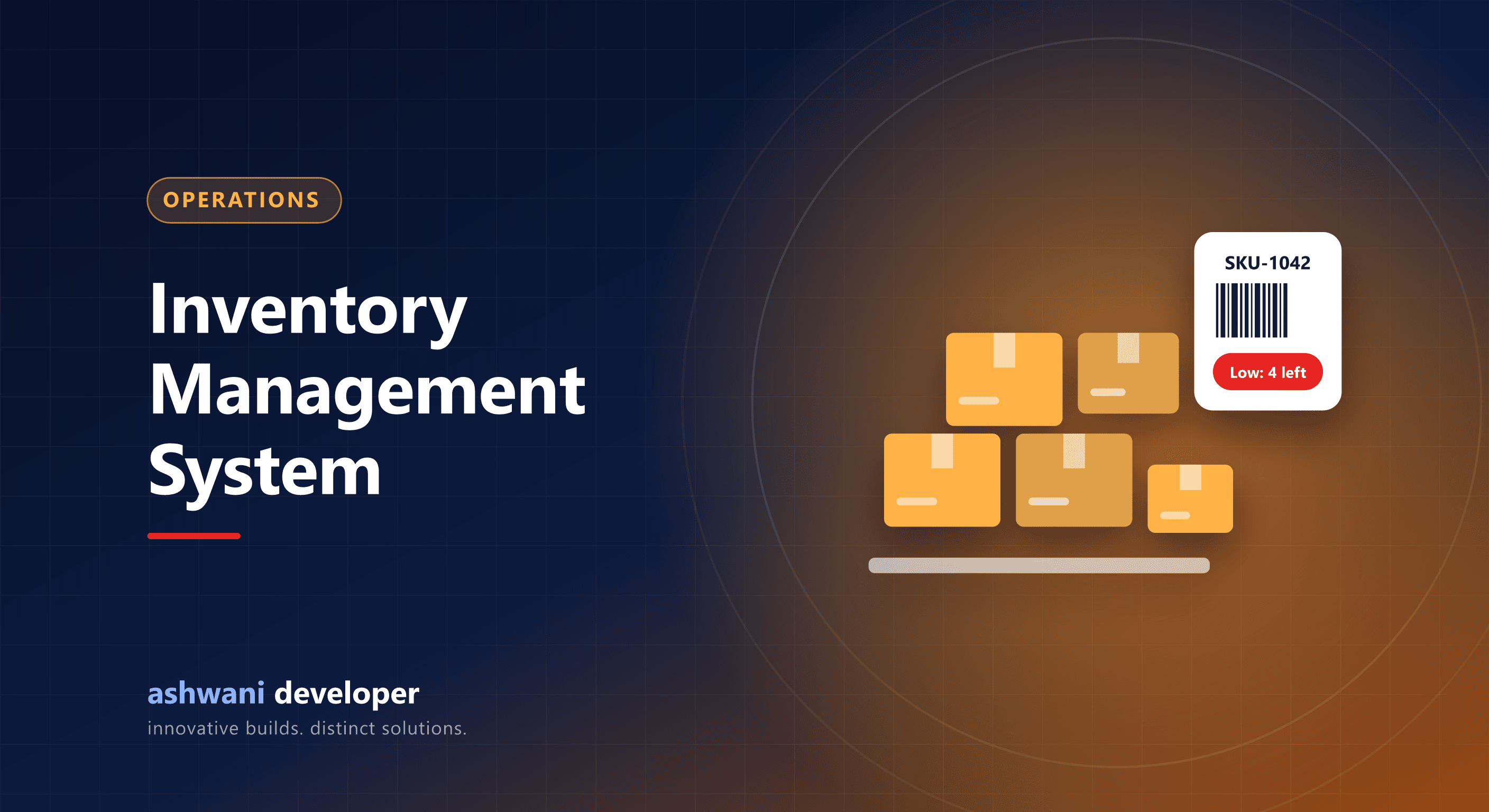
Quick answer: an inventory management system tracks stock in real time across locations, records purchases and sales automatically, alerts you before items run out, supports barcodes for fast and accurate counting, and connects with your store, CRM, and accounting so numbers always match.
Signs you need one
- Stock in the system rarely matches stock on the shelf.
- You sell items that are out of stock, or over-order slow movers.
- Stock counts take days.
- You sell on several channels and update stock manually.
Core features
Item master
Products with SKUs, variants, units, HSN codes, cost and selling prices, and reorder levels.
Stock movements
Every receipt, sale, return, transfer, and adjustment is recorded with who did it and when, so you can trace any discrepancy.
Purchasing
Purchase orders, goods receipt against orders, supplier records, and pending deliveries.
Multiple locations
Stock by warehouse, shop, or van, with transfers between them.
Barcodes
Barcode labels and scanning with a phone or scanner make receiving, picking, and counting faster and far more accurate.
Alerts and reports
Low-stock alerts, fast and slow movers, stock valuation, and ageing reports.
Integrations that remove double work
- E-commerce: stock syncs to your online store to prevent overselling; see the e-commerce features checklist.
- CRM and orders: sales orders reserve stock; see CRM for distributors.
- Billing and accounting: invoices reduce stock automatically; see GST billing software.
Setup steps
- Clean your product list and assign SKUs.
- Do a full physical count to set opening stock.
- Label products and locations with barcodes.
- Train staff to record every movement in the system.
- Run cycle counts on high-value items regularly.
Ready-made or custom?
Standard tools suit simple retail. Businesses with manufacturing, kits, batch and expiry tracking, or unusual workflows often need a tailored module connected to their other systems; see ERP vs CRM.
Want stock you can trust? See CRM and ERP development or describe your inventory setup.