Website Redesign Without Losing SEO: A Step-by-Step Migration Plan
Redesigning or moving your website? Follow this migration plan to keep your Google rankings: URL mapping, 301 redirects, content parity, testing, and post-launch monitoring.
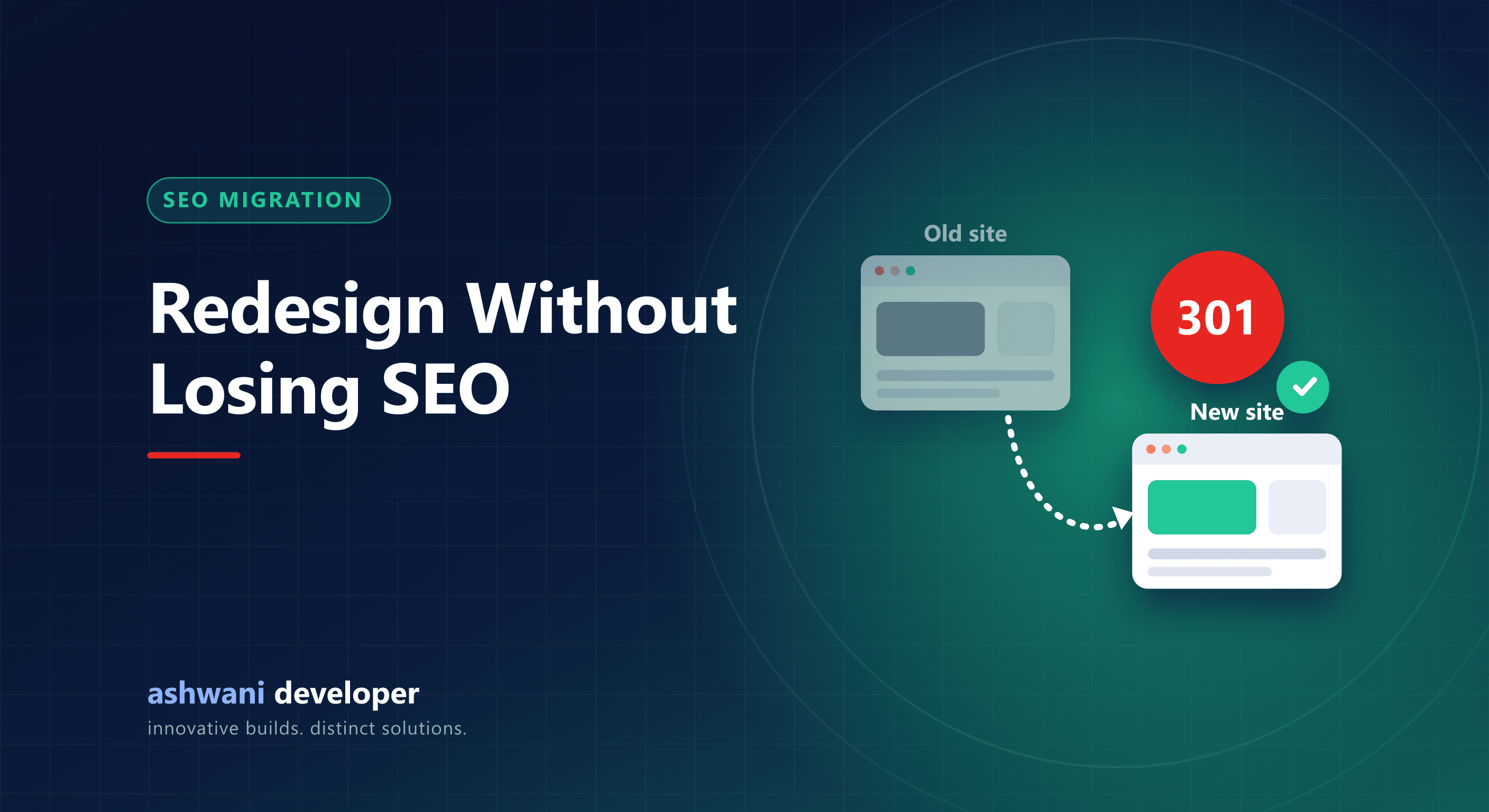
Quick answer: keep every page that earns traffic, map each old URL to its new URL with a permanent 301 redirect, carry over titles, content, and internal links, block the staging site from Google, and monitor Search Console closely for several weeks after launch.
A redesign can lift conversions dramatically or wipe out years of search traffic overnight. The difference is rarely the design itself. It is whether the migration was planned. This is the process to follow.
Step 1: Record your baseline
- Export the Performance report from Google Search Console: top pages and queries with clicks and impressions.
- Export analytics landing pages and conversions.
- Crawl the current site to list every URL, title, description, and heading.
- Note pages with backlinks from other websites.
Without a baseline you cannot tell whether the new site lost anything.
Step 2: Decide which pages stay
Pages that receive clicks, impressions, or backlinks should be kept or merged into a better equivalent. Thin pages with no traffic can be removed, but should still redirect to the most relevant page.
Step 3: Build a redirect map
Create a spreadsheet with every old URL and its new destination. Rules:
- Use 301 (permanent) redirects, not 302.
- Redirect to the most relevant page, not everything to the homepage.
- Avoid chains, where A redirects to B which redirects to C.
- Include variations such as old trailing slashes, uppercase paths, and legacy file names like
/index.html.
Step 4: Keep content and signals intact
- Carry over the text that ranks. Rewriting everything at once makes it hard to diagnose drops.
- Preserve or improve titles, meta descriptions, and H1s.
- Keep structured data, canonical tags, and alt text.
- Rebuild internal links so important pages remain well linked.
Step 5: Protect the staging site
Build on a staging URL that is password protected or set to noindex. The most common migration disaster is the opposite mistake: launching the new site with the staging noindex still in place. Check it twice on launch day.
Step 6: Test before launch
- Crawl the staging site for broken links and missing titles.
- Test every redirect in your map.
- Compare speed and Core Web Vitals with the old site.
- Check mobile layout and forms.
The website launch checklist covers the rest.
Step 7: Launch and tell Google
- Deploy the redirects at the same moment as the new site.
- Submit the new XML sitemap in Search Console.
- Use URL Inspection to request indexing for key pages.
- If the domain changes, use Search Console's Change of Address tool.
Step 8: Monitor for at least a month
Some fluctuation in the first weeks is normal while Google recrawls. Watch for 404 errors, pages dropping out of the index, and queries losing clicks, and fix issues quickly. Compare against the baseline you recorded in step 1.
Common mistakes that cause traffic loss
- No redirects, or everything redirected to the homepage.
- Removing pages that ranked because they "looked old".
- Moving important content behind tabs or client-side scripts.
- Slower pages because of heavy new animations or images.
Planning a redesign? A migration plan is part of every rebuild on the website development service. Share your current URL for a migration review before you start.