Food Delivery App Development: Features, Architecture, and Launch Plan
How to build a food delivery app: the customer, restaurant, and delivery partner apps, admin panel, real-time tracking, payments, and how to launch in a single city first.
Quick answer: a food delivery platform is really four products: a customer app, a restaurant app or dashboard, a delivery partner app, and an admin panel, all connected by a real-time backend that handles orders, payments, and live tracking. Start in one area, prove the operations, then expand.
Delivery apps look simple from the outside, but most of the complexity is in operations: matching orders to riders, keeping everyone updated in real time, and handling cancellations and refunds cleanly. Here is how the system fits together.
The four parts of the platform
1. Customer app
- Sign up with phone OTP.
- Browse restaurants and menus with search and filters.
- Cart, customisation (add-ons, portions), and coupons.
- Payments: UPI, cards, wallets, and optional cash on delivery.
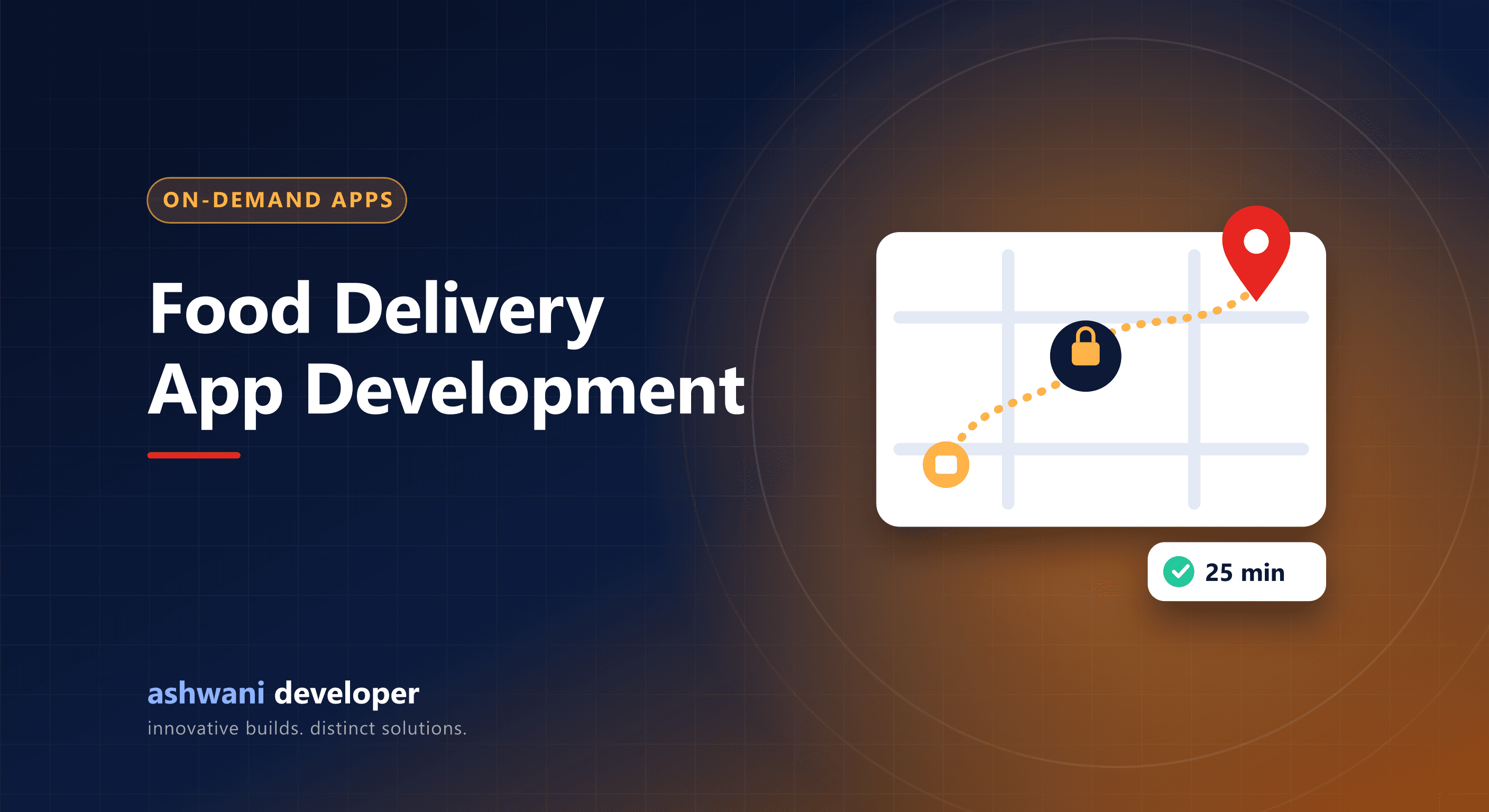
- Live order status and rider tracking on a map.
- Order history, ratings, and support.
2. Restaurant app or dashboard
- Accept or reject orders with preparation time.
- Menu and price management, stock toggles, and opening hours.
- Sales reports and payouts.
3. Delivery partner app
- Go online and offline, receive and accept orders.
- Navigation to restaurant and customer.
- Background location updates.
- Earnings, history, and proof of delivery.
4. Admin panel
- Manage restaurants, riders, zones, and delivery fees.
- Live map of orders and riders.
- Refunds, disputes, and support tickets.
- Commission settings, payouts, and reports.
Architecture essentials
- Real-time updates using WebSockets so order status and rider location update instantly.
- Order state machine: placed, accepted, preparing, picked up, delivered, cancelled, with clear rules for each transition.
- Payment webhooks so orders are confirmed only after the gateway confirms payment. See payment gateway integration in India.
- Assignment logic to pick the nearest available rider, starting simple and improving with data.
- Notifications via push, SMS, and WhatsApp for key events.
- Scalable backend: a Node.js API with MongoDB or PostgreSQL works well; see MongoDB vs MySQL.
Build approach
React Native lets the customer and rider apps share code across Android and iOS, while a Next.js dashboard serves restaurants and admins. Because rider apps rely on background location, test thoroughly on mid-range Android phones with battery optimisation enabled.
Launch plan: start small
- Pick one area with dense demand and a handful of committed restaurants.
- Launch the core journey: order, pay, track, deliver.
- Run operations closely and fix issues daily.
- Add features based on what customers and restaurants actually ask for.
- Expand area by area once unit economics work.
Alternative: ordering for a single restaurant or chain
Many restaurants do not need a marketplace. A branded ordering website or app with delivery through their own staff or a logistics partner avoids marketplace commissions and keeps the customer relationship. It is much smaller to build.
Cost drivers
Four apps, real-time tracking, and payments make delivery platforms one of the larger app categories. An MVP that covers one city and the core journey keeps the first phase manageable. See app development cost in India and MVP development.
Planning a delivery or ordering product? See the app development service or describe your model for a phased plan.