Google Analytics 4 Setup for Business Websites: Track Leads, Not Just Visits
How to set up Google Analytics 4 for a business website: key events for form submissions, calls, and WhatsApp clicks, Search Console linking, UTM tags, and reports that matter.
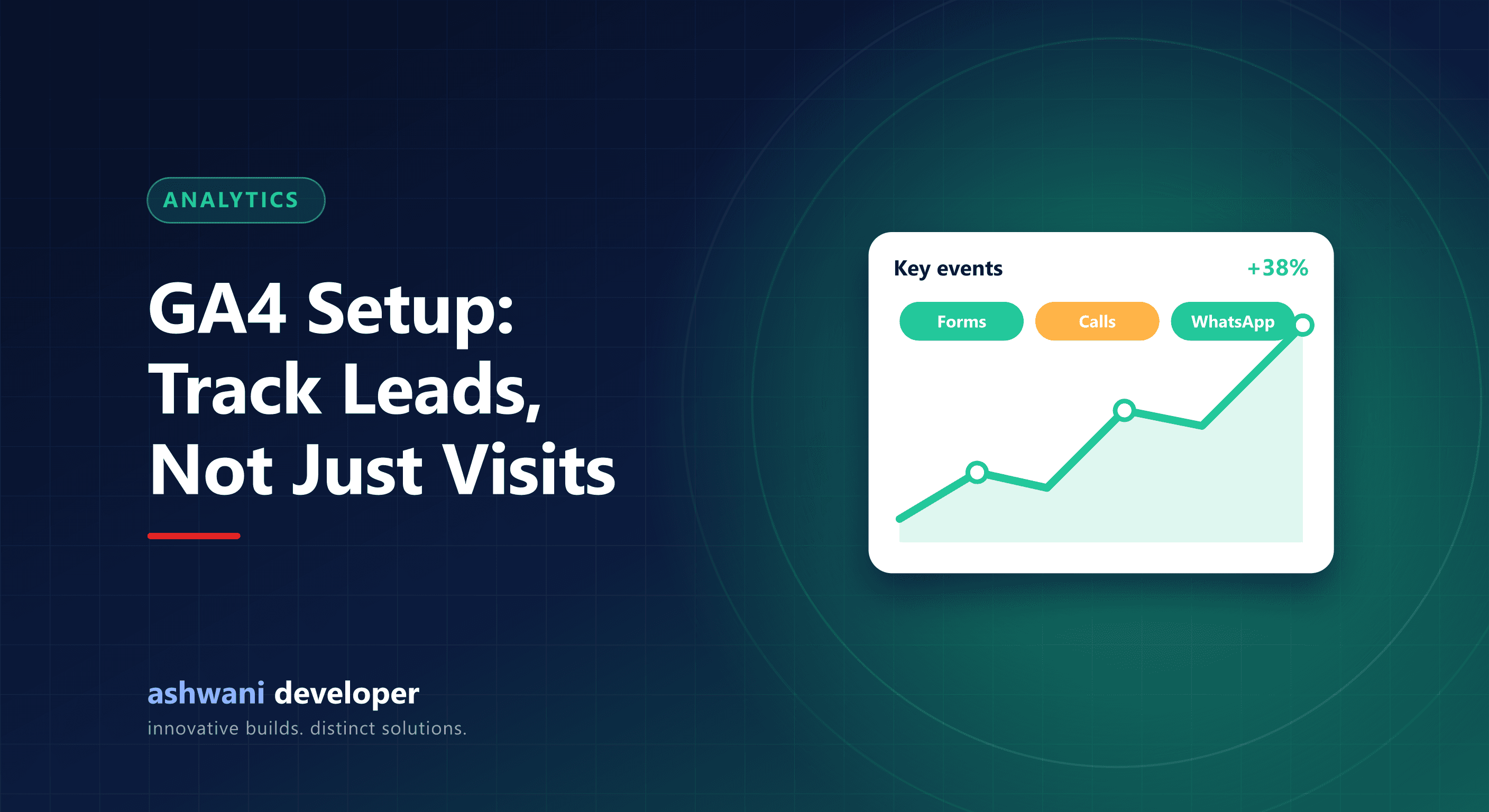
Quick answer: install GA4 on every page, mark the actions that matter (form submissions, call clicks, WhatsApp clicks, purchases) as key events, link Search Console, tag campaign links with UTM parameters, and review a handful of reports monthly. Measure leads, not just visitors.
Step 1: Create the property and install the tag
Create a GA4 property and a web data stream for your domain. Add the Google tag to every page, either directly in your site's layout or through Google Tag Manager. Enable enhanced measurement for page views, scrolls, outbound clicks, and file downloads.
Step 2: Track the actions that bring business
Page views alone do not tell you whether the website works. Create events for:
- generate_lead when a contact or quote form is successfully submitted.
- Phone clicks on
tel:links. - WhatsApp clicks on
wa.melinks. - purchase for online stores, with value and currency.
- Booking completions for appointment-based businesses.
Mark these as key events in GA4 (Google renamed "conversions" to key events), so they appear in acquisition reports. Fire form events only after a successful submission, not on button click.
Step 3: Link Search Console
Linking Google Search Console shows organic search queries and landing pages inside GA4, connecting search visibility to on-site behaviour.
Step 4: Tag your campaign links
Add UTM parameters to links you share in WhatsApp broadcasts, email newsletters, social posts, and ads, for example ?utm_source=linkedin&utm_medium=social&utm_campaign=crm-guide. Without them, much of this traffic shows up as "direct".
Step 5: Respect privacy
Mention analytics in your privacy policy, avoid sending personal data such as names or phone numbers into analytics, and use consent controls where your audience requires them.
Reports worth checking monthly
- Traffic acquisition: which channels bring visitors and key events.
- Landing pages: which pages start sessions that lead to enquiries.
- Key events by source: where your actual leads come from.
- Search Console reports: queries and pages bringing organic traffic.
Common mistakes
- Counting form-button clicks instead of successful submissions.
- Installing the tag twice, which doubles page views.
- Never filtering internal traffic from your own team.
- Collecting data but never acting on it.
Want tracking set up correctly? It is part of every project on the website development service. Related: Search Console indexing guide.