How to Get Your Website Indexed on Google: A Step-by-Step Search Console Guide
A practical, beginner-friendly guide to getting a new website indexed on Google: Search Console setup, sitemaps, URL inspection, internal links, and fixing common indexing problems.
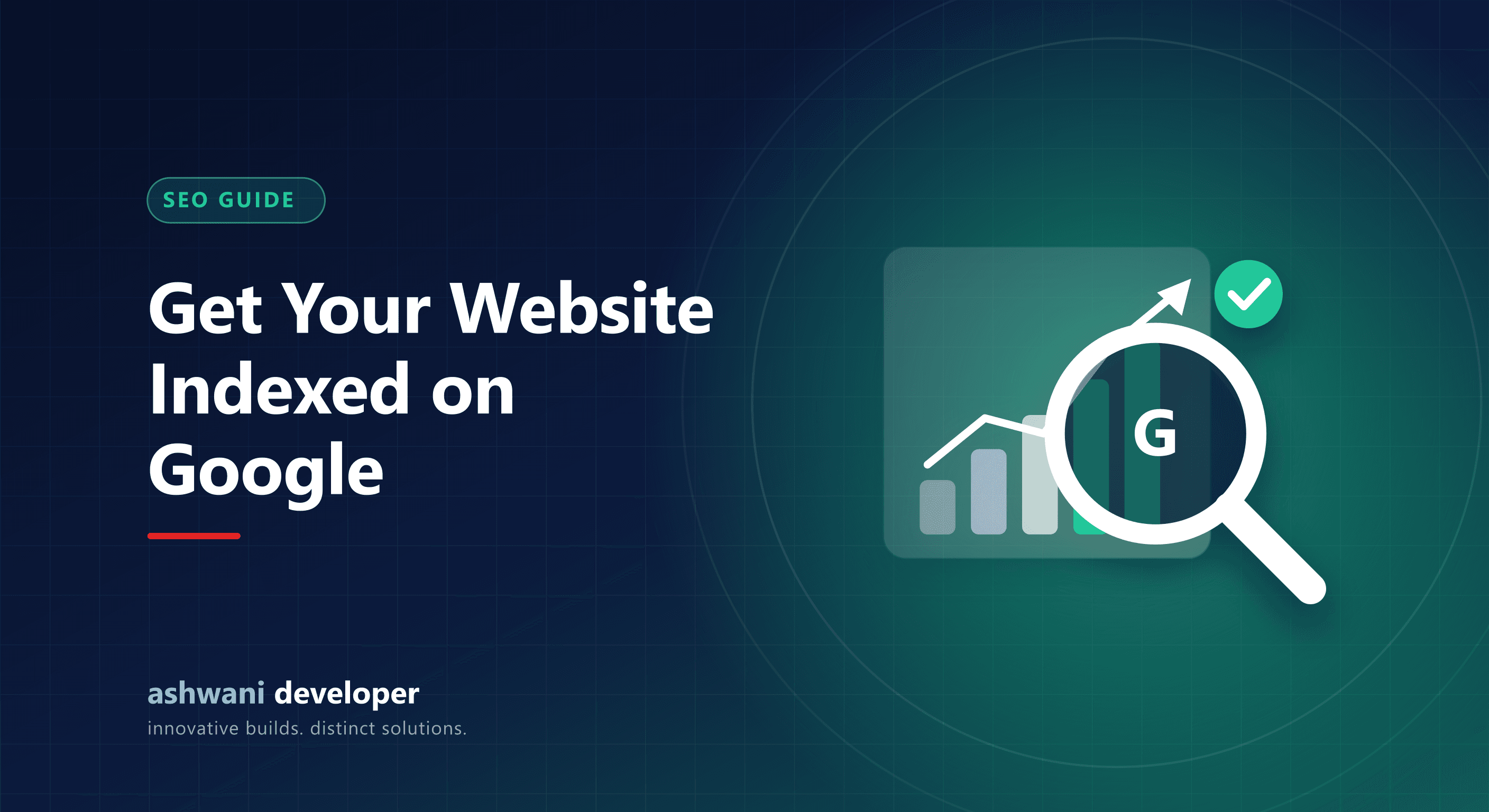
Before a page can rank on Google, it has to be indexed, which means Google has found it, read it, and stored it. Many new site owners publish a website and then wonder why nothing appears in search. This guide walks through the practical steps, in the order that works, to get a website indexed and to understand what Google Search Console is telling you.
Indexing, crawling, and ranking are different things
- Crawling: Googlebot visits your pages by following links and your sitemap.
- Indexing: Google decides the page is worth storing and adds it to its index.
- Ranking: Google chooses where to show indexed pages for a given search.
A page can be crawled but not indexed, and indexed but ranking so low that nobody sees it. Each stage has its own fixes.
Step 1: Add your site to Google Search Console
Search Console is Google's free tool for site owners. Add your site as a Domain property or a URL-prefix property, then verify ownership with a DNS record or an HTML tag. Verification is also what unlocks performance data, such as clicks, impressions, and the queries people used to find you.
Step 2: Make sure nothing blocks Google
- Check that your
robots.txtdoes not disallow important pages. - Make sure pages do not carry a
noindextag unless intended. - Confirm the site works over HTTPS and loads without errors.
- Use a single canonical URL for each page.
Step 3: Create and submit an XML sitemap
A sitemap lists the pages you want indexed. Most modern frameworks generate one automatically; on this site it is available at /sitemap.xml. In Search Console, open Sitemaps, enter the sitemap path, and submit it. Reference the sitemap in robots.txt as well so any crawler can find it.
Step 4: Use URL Inspection and request indexing
For your most important pages, paste the URL into the inspection bar at the top of Search Console. If the page is not indexed, click Request indexing. This does not guarantee indexing, but it queues the page for a priority crawl. Use it for new or significantly updated pages, not for hundreds of URLs at once.
Step 5: Link your pages together
Google discovers pages by following links. A page with no internal links pointing to it is hard to find and is treated as unimportant. Link from your homepage and navigation to your main pages, and from each blog post to related posts and service pages. For example, an article about SEO should link to the website development service and to related guides like our technical SEO checklist.
Step 6: Publish content that deserves to be indexed
Google does not index everything it finds. Thin, duplicate, or low-value pages are often left out, shown in Search Console as "Crawled, currently not indexed" or "Discovered, currently not indexed". Pages that are original, specific, and genuinely helpful are indexed more reliably. Write for the questions your customers actually ask.
Step 7: Read the Pages report
Under Indexing, the Pages report shows which URLs are indexed and, for the rest, the reason. Common reasons and fixes:
- Crawled, currently not indexed: improve the content and add internal links.
- Discovered, currently not indexed: Google knows the URL but has not crawled it yet; strengthen internal links and be patient.
- Duplicate without user-selected canonical: set a clear canonical tag.
- Page with redirect or Not found (404): fix or remove the URL from your sitemap.
How long does it take?
New sites can take days to several weeks to see their first pages indexed, and growth in impressions and clicks usually comes gradually as you publish more useful pages and earn links. Consistency matters more than any single trick.
What to track once you are indexed
Use the Performance report to see the queries that already bring impressions, then write or improve pages for those queries. Pages with many impressions but few clicks usually need a better title and description. If you want help with the technical side, a site built with proper metadata and structured data from the start avoids most of these problems; get in touch to discuss it.