Next.js vs React: What's the Difference and Which Should You Use?
Next.js vs React explained: React is a UI library, Next.js is a full framework built on it. Compare rendering, routing, SEO, performance, and when to use each.
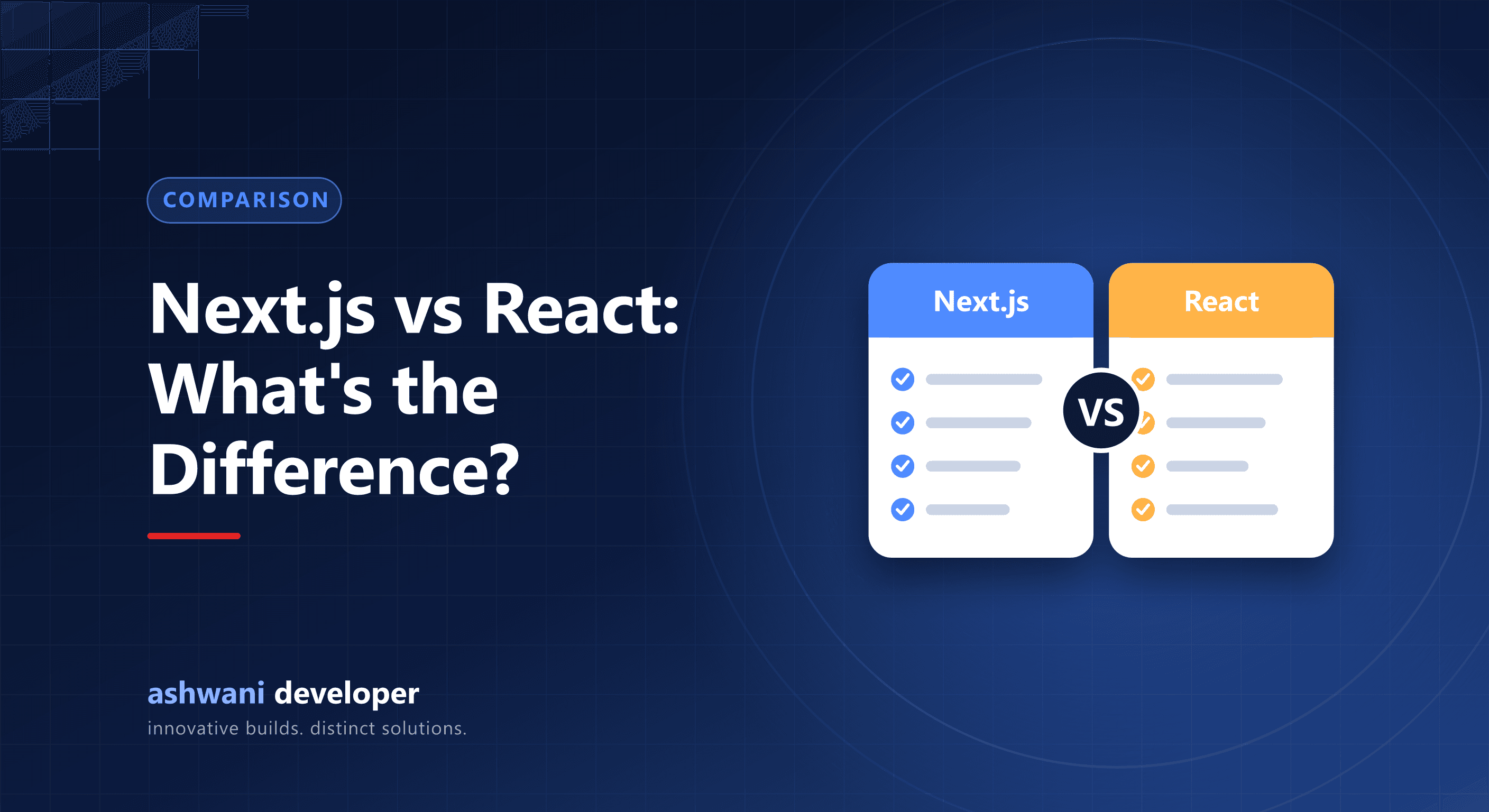
Quick answer: React is a library for building user interfaces. Next.js is a framework built on React that adds routing, server rendering, data fetching, image optimisation, and SEO features. For most new websites and web apps, especially ones that need search visibility, Next.js is the better starting point.
React in one paragraph
React lets you build interfaces from reusable components. On its own it does not decide how pages are routed, how data is loaded, or how the app is built and served. Those choices are left to you or to a framework.
Next.js in one paragraph
Next.js is a production framework for React. It provides file-based routing, server components, multiple rendering strategies, API routes and server actions, image and font optimisation, and a metadata API for SEO. React's own documentation recommends starting new projects with a framework such as Next.js rather than assembling everything yourself.
Comparison
| Factor | React (client-only setup) | Next.js |
|---|---|---|
| Type | UI library | Full-stack React framework |
| Routing | Add a router library | Built in, file-based |
| Rendering | Usually in the browser | Server, static, incremental, or client per route |
| SEO | Harder; content may depend on JavaScript | Strong; HTML rendered on the server |
| Backend logic | Separate server needed | Route handlers and server actions |
| Performance tools | Configure yourself | Image, font, and script optimisation built in |
Why Next.js is better for SEO
A client-only React app often sends a nearly empty HTML page and builds the content with JavaScript. Google can render JavaScript, but it adds delay and risk, and other crawlers may not. Next.js sends fully rendered HTML with metadata and structured data, which is easier for every search engine and faster for users. See the Next.js technical SEO checklist.
When plain React (with Vite) still fits
- Internal dashboards behind a login where SEO does not matter.
- Embedded widgets inside another site.
- Single-page tools where a simple static build is enough.
Note that Create React App is deprecated; Vite is the usual choice for a client-only React setup.
When Next.js is the clear choice
- Business websites, blogs, and marketing sites.
- E-commerce and content-heavy platforms.
- Web apps that mix public pages with logged-in dashboards.
- Projects that want frontend and light backend logic in one codebase.
Hosting
Next.js can be hosted on platforms built for it or on your own VPS with Node.js. This website runs on a VPS with automated deployments; see how to deploy Next.js on a VPS.
Learning path
Learn React fundamentals first: components, props, state, and hooks. Next.js builds on those, so the knowledge carries directly over.
Building a site or app? See website development or discuss your project. Related: Next.js vs WordPress and static vs dynamic websites.