Push Notification Best Practices: Engage App Users Without Getting Uninstalled
Push notification best practices for mobile apps: asking for permission at the right time, personalisation, timing and frequency, notification types, Android and iOS rules, and measuring results.
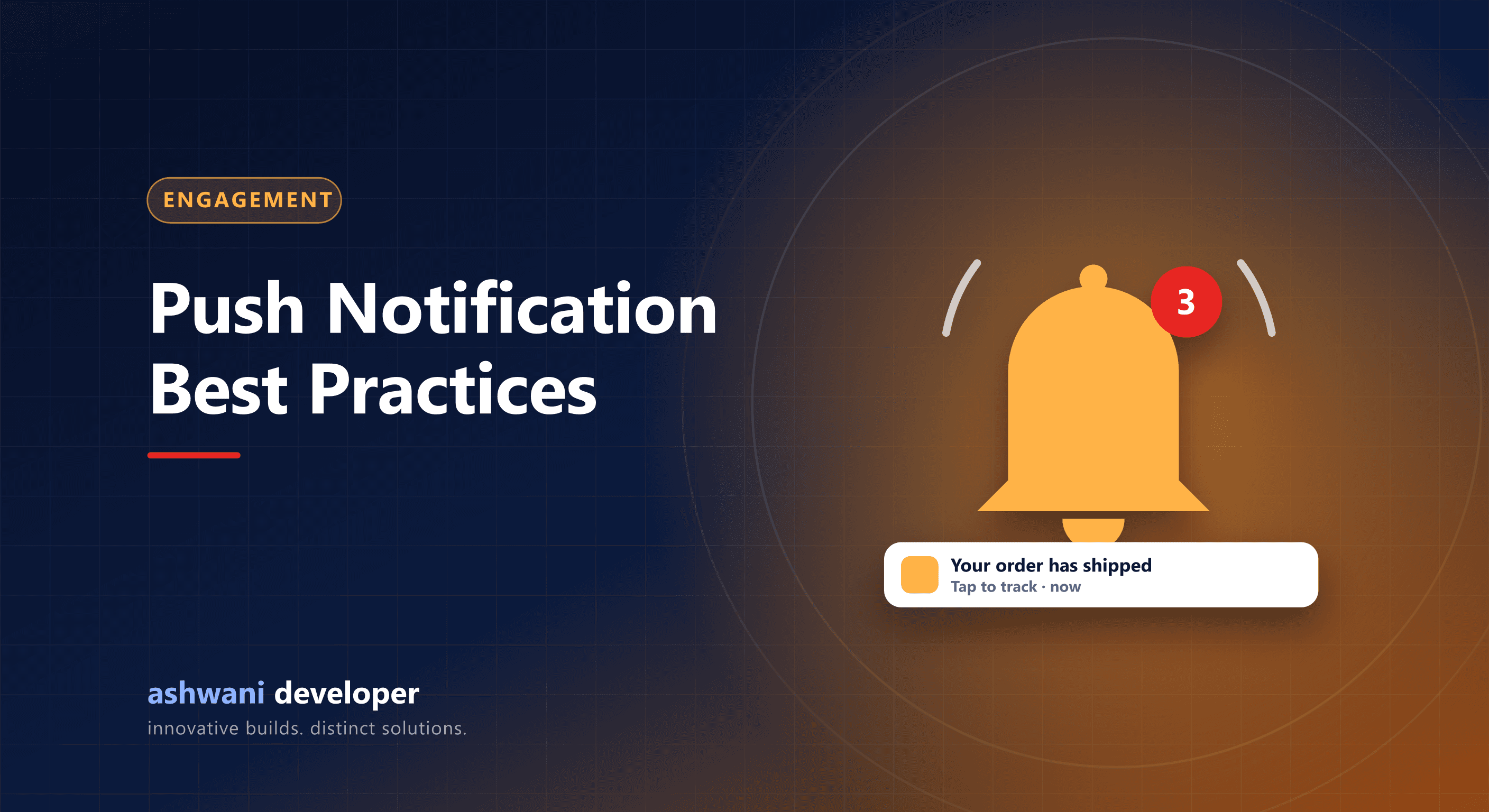
Quick answer: ask for notification permission only after showing value, send messages that are personal, timely, and useful, let users choose categories and frequency, avoid late-night sends, and track opt-outs and uninstalls alongside clicks.
Permission is the first hurdle
On iOS, and on Android 13 and later, apps must ask users for permission to send notifications. If users decline, you lose the channel, so timing matters:
- Do not ask on first launch before the user understands the app.
- Ask in context, for example after a user places an order: "Get notified when your order ships?"
- Use a short pre-permission screen explaining the benefit before the system prompt.
Types of notifications
| Type | Example | Value to user |
|---|---|---|
| Transactional | Order shipped, appointment confirmed | Very high |
| Reminders | Class starts in 15 minutes, payment due | High |
| Personalised | Item back in stock, price drop on wishlist | High |
| Promotional | Weekend sale | Low unless relevant |
Lead with transactional and personalised notifications; use promotions sparingly.
Best practices
- Personalise using behaviour, not just a first name.
- Time it in the user's local time and avoid late night and early morning.
- Cap frequency and respect quiet periods.
- Deep link to the exact screen the message is about.
- Let users choose categories in settings, so they mute promotions rather than all notifications.
- Use Android notification channels correctly so users can control types.
- Keep it short: the message must make sense in one glance.
Technical setup
Most apps use Firebase Cloud Messaging, which delivers to Android and, through Apple Push Notification service, to iOS. Store device tokens on your server, refresh them when they change, remove invalid ones, and send from a queue so large campaigns do not slow your API. Expo apps can use Expo's push service on top of these.
Measure the right things
- Opt-in rate and opt-out rate.
- Open rate and the action taken after opening.
- Uninstalls after campaigns.
- Revenue or retention lift from notification cohorts.
Combine channels wisely
Push for in-app engagement, WhatsApp for important updates to customers who opted in, and email for receipts and longer content. See WhatsApp CRM integration.
Want an engagement strategy built into your app? See app development or get in touch. Related: e-commerce app development.