What Is CRM Development? A Plain-English Guide for Business Owners
CRM development explained: what a custom CRM is, what it includes, when you need one, how it is built, and how long it typically takes.
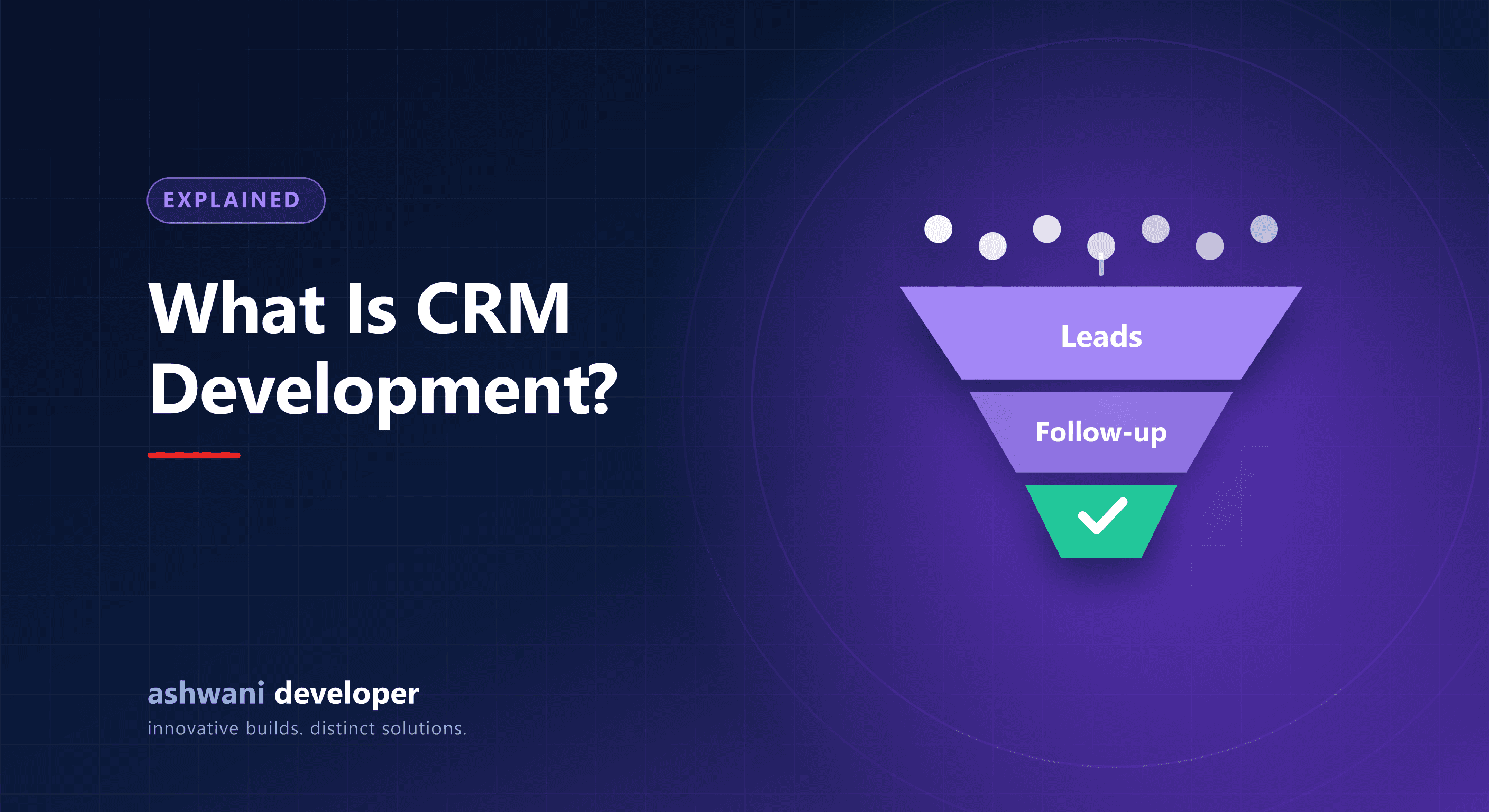
CRM stands for customer relationship management. CRM development is the work of designing and building software that records every interaction with leads and customers, guides your team through a consistent process, and turns that data into reports. You can buy a ready-made CRM or have one built around your business. This guide explains the second option in plain language.
What does a CRM actually do?
At its core, a CRM answers four questions: who are our leads and customers, what has happened with each, what needs to happen next, and how is the business performing overall. Everything else, from automation to dashboards, supports those answers.
- Contact and company records with full history in one place.
- Lead tracking from first enquiry through to a closed deal.
- Tasks and reminders so no follow-up is forgotten.
- Communication logs for calls, emails, and messages.
- Reports on conversions, response time, and team activity.
When does a business need a custom CRM?
Most businesses are fine with an off-the-shelf tool at first. A custom CRM becomes worth considering when:
- Your process has steps, approvals, or fields that standard CRMs cannot represent.
- You pay for many user seats and the monthly cost keeps growing.
- You need to connect internal systems, such as billing, inventory, or a mobile app.
- Your team keeps working in spreadsheets because the CRM does not match their work.
- You need strict control over data location, permissions, and audit history.
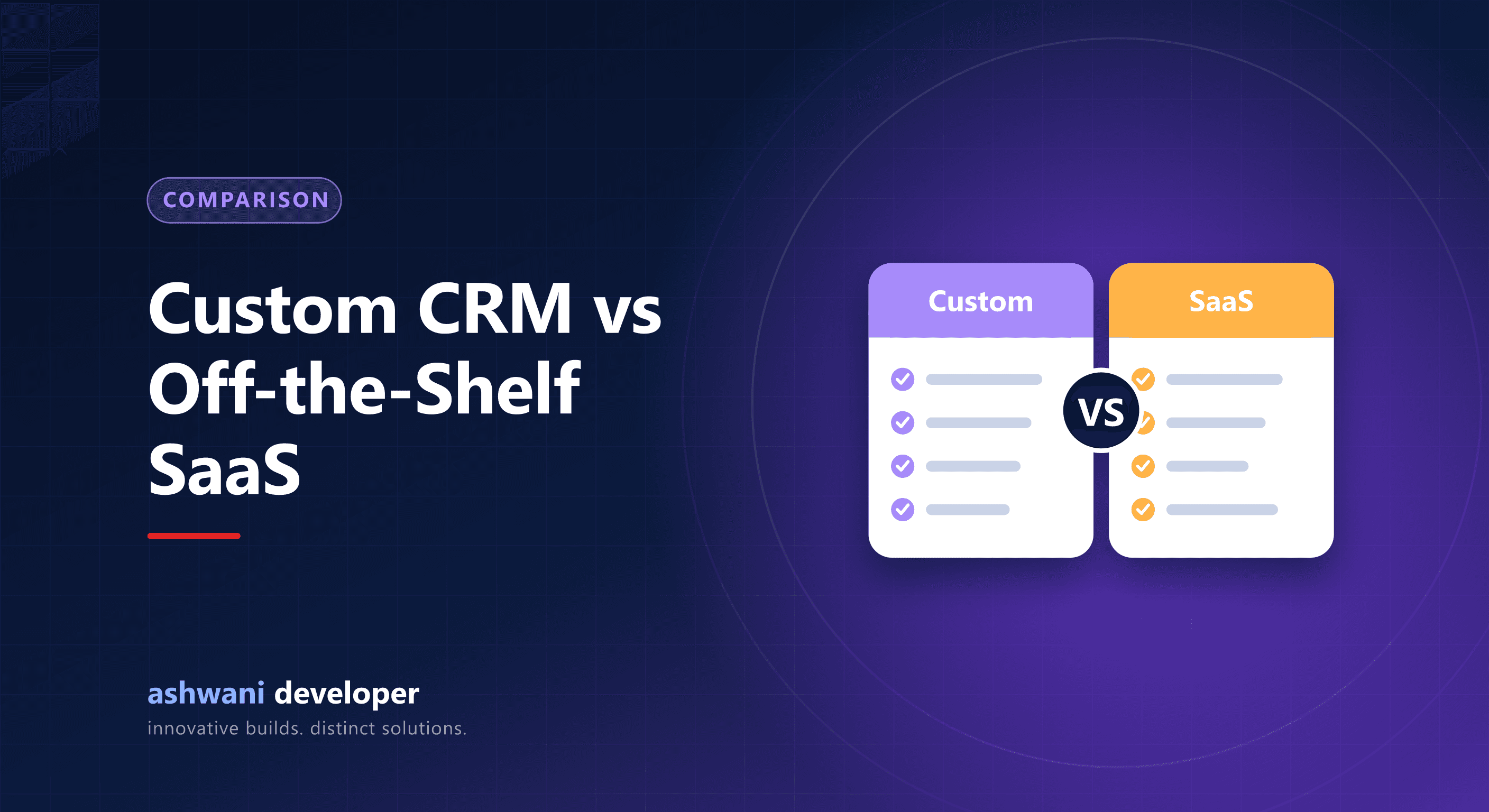
The full comparison is in custom CRM vs off-the-shelf SaaS.
How a CRM is built: the process
- Discovery: map how leads, customers, and tasks flow through your team today.
- Data model: define the records, fields, and relationships, such as lead, contact, company, deal, and task.
- Roles and permissions: decide who can view, create, edit, or approve.
- Core build: lead capture, pipeline, assignment, reminders, and activity history.
- Automation and integrations: notifications, website forms, messaging, and payment or accounting links.
- Reporting: dashboards your managers will actually read.
- Testing, data import, and training: moving existing contacts from Excel or an old CRM, then onboarding the team.
- Deployment and support: secure hosting, backups, monitoring, and a plan for updates.
How long does it take?
A focused first release covering leads, pipeline, tasks, and basic reports can often be built in a matter of weeks, while a broader system with many roles, automations, and integrations is planned in phases over a few months. The honest answer always depends on scope, so a good developer will give you a phased plan with dates after a discovery call, not a number in the first message.
Common mistakes to avoid
- Building every feature at once instead of starting with the core workflow.
- Skipping team training, which leads to low adoption.
- Ignoring data import, leaving the old spreadsheet as the real source of truth.
- Choosing a developer who will not give you ownership of the code and data.
Where to go from here
If you are exploring a build, read how to choose a partner in CRM development company in Delhi, see the CRM development service, or talk through your workflow to get a phased plan.