CRM for Small Business in India: 12 Features That Actually Matter
Twelve CRM features small businesses in India really need, from lead capture and follow-up reminders to WhatsApp, reports, and role-based access, and which ones to skip.
CRM feature lists are long, and most businesses use only a fraction of them. A small team does not need every module. It needs a handful of features that are fast to use and fit how the team works. These twelve cover the essentials.
The core features
1. Lead capture from every source
Website forms, calls, WhatsApp, social media, and walk-ins should all end up in one list, with the source recorded so you know what works.
2. A simple pipeline
Visual stages from new lead to won or lost, tailored to your sales process, so everyone can see where each opportunity stands.
3. Automatic lead assignment
New leads are routed to the right person by area, product, or round robin so none wait unattended.
4. Follow-up reminders
Most sales are lost to forgotten follow-ups. Tasks with due dates and overdue alerts are the single highest-value feature.
5. Full contact history
Every call, note, quote, and message in one timeline, so anyone on the team can pick up a conversation.
6. WhatsApp and email integration
Customers in India often prefer WhatsApp. Sending and logging messages from the CRM keeps conversations in one place. See API integration for WhatsApp, payments, and CRM.
7. Quotes and invoices
Generating a quote from a deal and tracking its status saves time and avoids version confusion.
8. Role-based access
Salespeople see their leads, managers see the team, and admins control settings. This protects customer data and avoids accidental changes.
9. Reports and dashboards
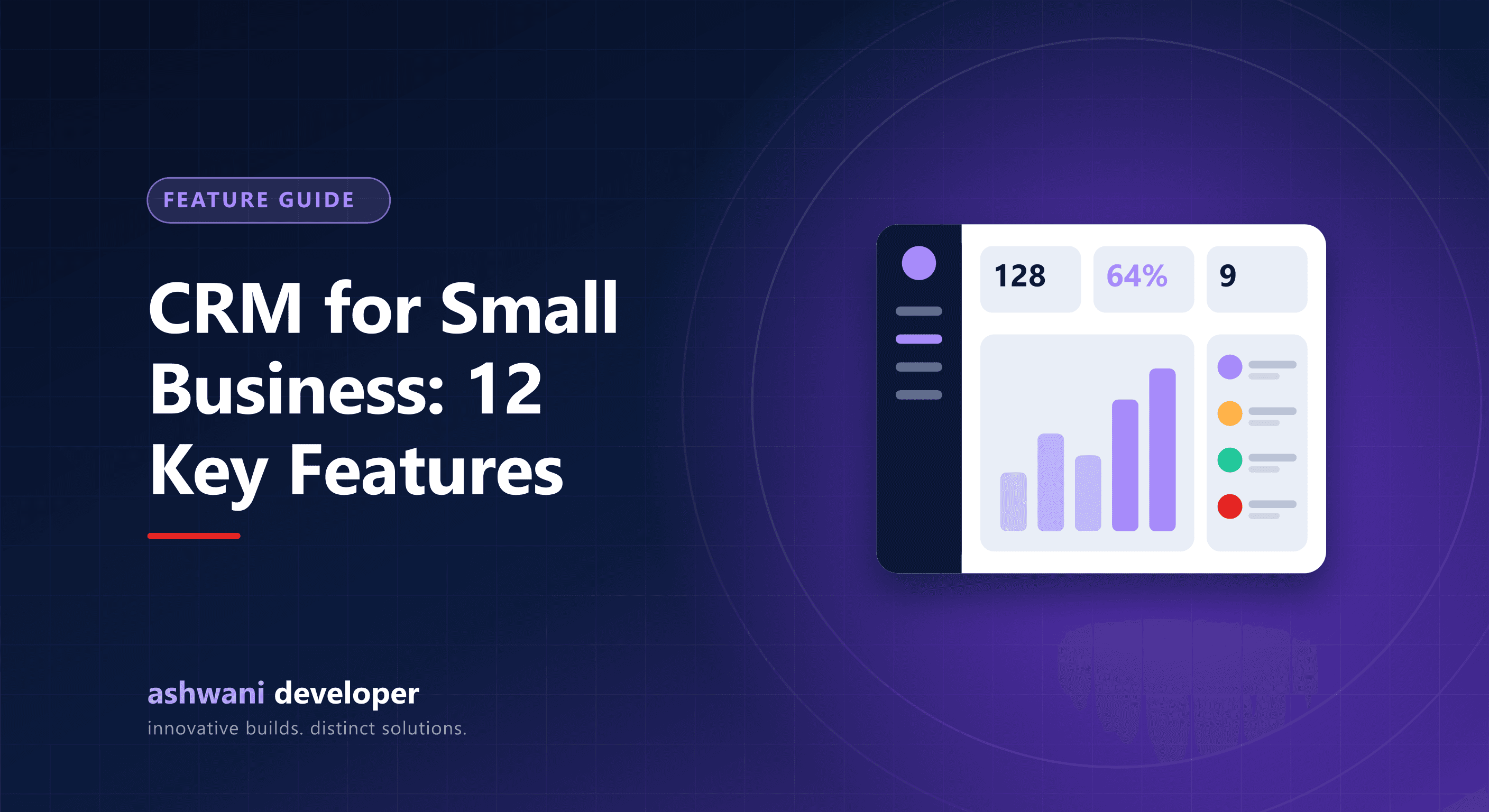
Leads by source, conversion rate, response time, and revenue by person or month. Choose a few numbers that guide decisions, not dozens that nobody reads.
10. Import and export
You should be able to bring in existing contacts from Excel and export your data at any time, without lock-in.
11. Mobile-friendly interface
Field and sales teams update records on phones. A CRM that is hard to use on mobile quickly goes unused.
12. Audit trail
Knowing who changed what and when helps with accountability and resolving disputes.
Features small teams can usually skip
- Complex multi-level forecasting and territory management.
- Advanced marketing automation before you have a steady lead flow.
- Dozens of custom objects that nobody maintains.
Buy or build?
If a standard tool matches your process, use it. If your workflow has unusual steps, approvals, or integrations, a tailored system may be more cost-effective in the long run. Compare both in custom CRM vs off-the-shelf SaaS and learn the fundamentals in what is CRM development.
Want a CRM that does these twelve things the way your team works? Read about CRM development or share your sales process to get a phased plan.