Domain and Hosting Explained: A Small Business Guide for India
Domain vs hosting explained in plain language: how to choose a domain name, .com vs .in, hosting types, email, SSL, renewals, and how to keep ownership in your own name.
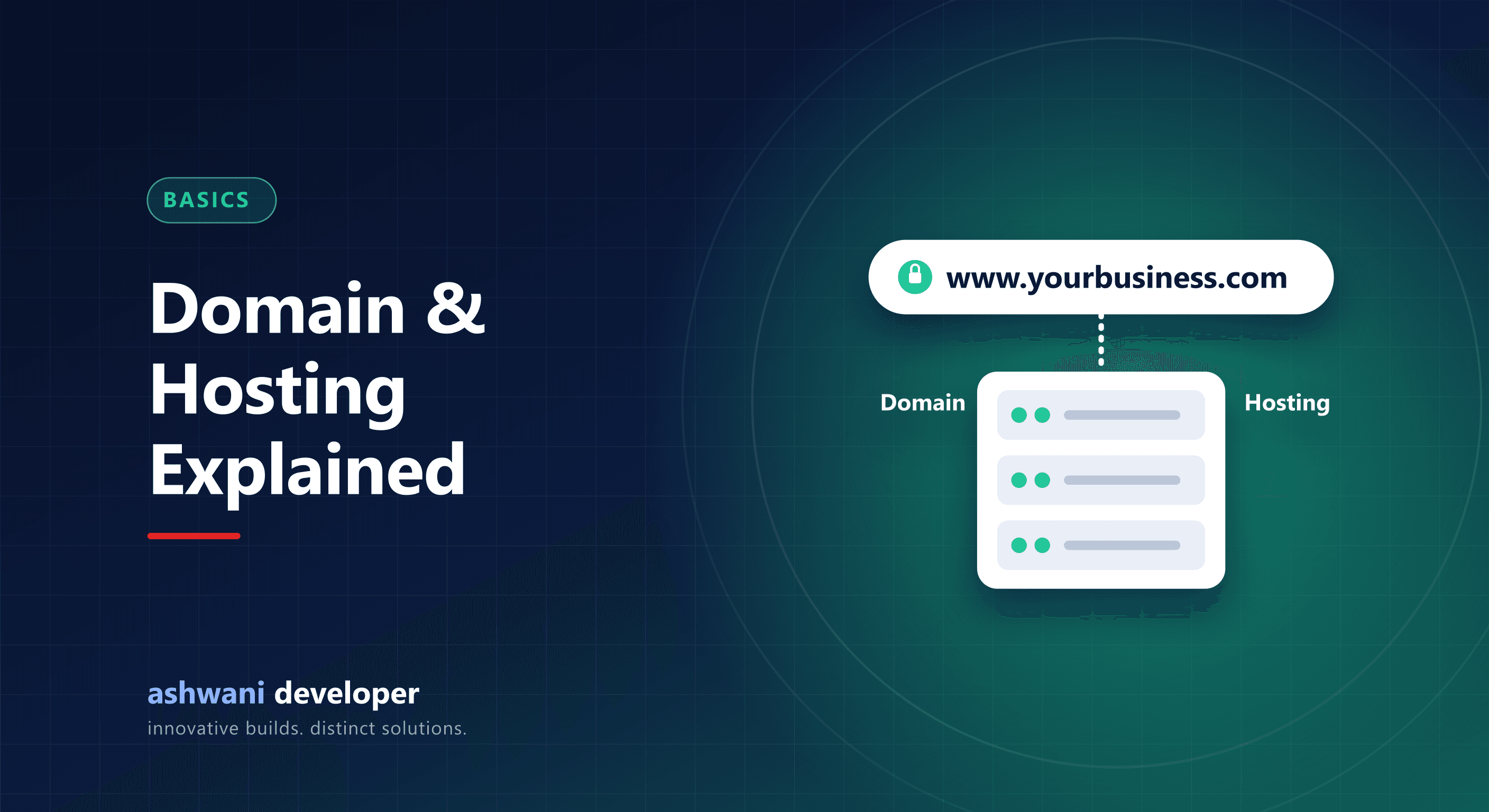
Quick answer: a domain is your website's address (like yourbusiness.com); hosting is the server where your website's files and data live. You rent both, usually yearly. Register the domain in your own name, choose hosting that matches your site's needs, and set both to auto-renew.
Domain vs hosting: an analogy
The domain is your shop's address; hosting is the shop building. You can move to a different building (host) and keep the same address (domain).
Choosing a domain name
- Short, easy to spell, and easy to say over the phone.
- Avoid hyphens and numbers unless part of your brand.
- Prefer your brand name over keyword-stuffed names.
- Check that matching social media handles are available.
.com or .in?
.com is globally recognised. .in signals an Indian business and is often easier to get with your exact name. If you serve mostly Indian customers, either works for SEO. Many businesses buy both and redirect one to the other to protect the brand.
Types of hosting
| Type | Best for | Trade-offs |
|---|---|---|
| Shared hosting | Simple sites, low traffic | Cheap, but slower and limited |
| VPS | Custom apps, growing sites | Fast and flexible; needs technical setup |
| Managed platforms | Modern frameworks like Next.js | Easy deployments; costs grow with usage |
| Cloud (AWS, GCP, Azure) | Large or complex systems | Powerful; more complex to manage |
This website runs on a VPS with automated deployments; see how to deploy Next.js on a VPS.
Business email
An address like info@yourbusiness.com builds trust. Use a proper email service rather than relying on your web host's basic mailbox, and set up SPF, DKIM, and DMARC records so your emails do not land in spam.
SSL (HTTPS)
Every site needs HTTPS. Free certificates are widely available and should renew automatically. Browsers warn visitors about sites without it.
Ownership: the most important part
- Register the domain in your name and email, not your developer's.
- Keep login details for the registrar and hosting in a password manager.
- Enable two-step login on the domain account.
- Turn on auto-renew and keep payment details current. An expired domain can take your website and email offline.
Common mistakes
- Buying the cheapest hosting for a site that needs speed.
- Letting a developer or agency own the domain.
- Missing renewal reminders sent to an old email address.
Need help choosing or moving hosting? Get in touch or see the website development service. Related: website maintenance checklist.