Moving From Excel to a CRM: A Step-by-Step Data Migration Plan
How to move customer and lead data from Excel or Google Sheets into a CRM without losing information: cleaning, deduplication, field mapping, test imports, and team adoption.
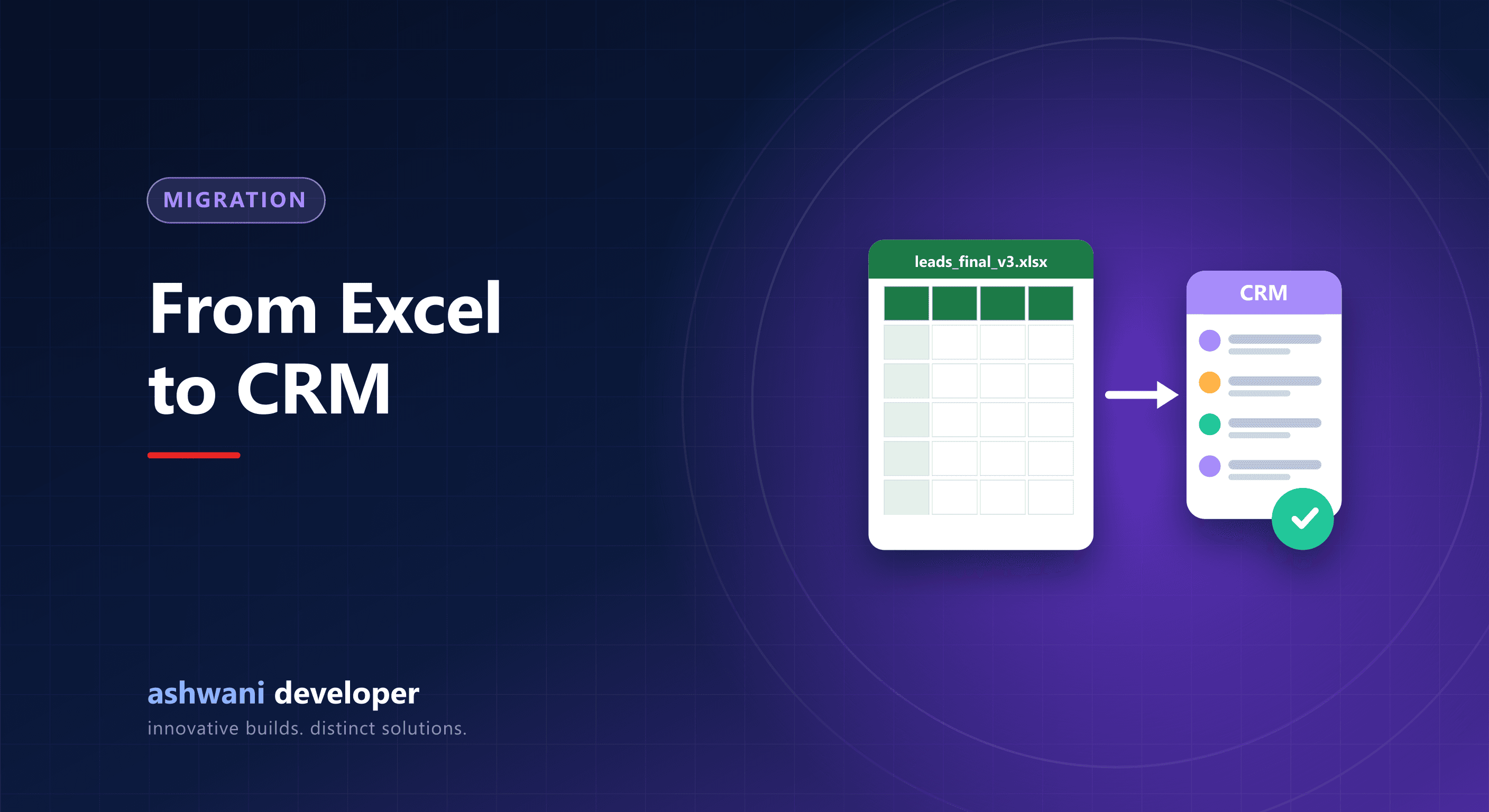
Quick answer: collect every spreadsheet, clean and standardise the data, remove duplicates, map columns to CRM fields, run a small test import, fix issues, import everything, then stop using the spreadsheets so the CRM becomes the single source of truth.
Step 1: Gather every source
Leads and customers usually live in several sheets, phone contacts, WhatsApp chats, and email. List them all and decide which are worth importing.
Step 2: Decide what to keep
Old, incomplete records can be archived rather than imported. Importing junk makes the new CRM feel cluttered from day one.
Step 3: Clean and standardise
- Phone numbers in one format, with country code.
- Consistent city and state names.
- Dates in one format.
- Status values reduced to your new pipeline stages.
- Separate first and last names if the CRM needs them.
Step 4: Remove duplicates
Match on phone number and email. Decide which record wins when duplicates conflict, usually the most recently updated, and merge notes.
Step 5: Map columns to CRM fields
| Spreadsheet column | CRM field |
|---|---|
| Name | Contact name |
| Mobile | Phone |
| Requirement | Product or service interest |
| Status | Pipeline stage |
| Remarks | Notes (activity history) |
| Sales person | Owner |
Step 6: Test import
Import 50 to 100 records first. Check that fields landed correctly, special characters display properly, and owners and stages are right.
Step 7: Full import and verification
Import everything, compare record counts with the source, and spot-check samples. Keep the original files archived as a backup.
Step 8: Switch over completely
The biggest risk is not technical. If people keep updating the spreadsheet, the CRM dies. Set a cut-over date, make the CRM the only place for new leads, and connect lead sources directly so nothing needs copying.
Step 9: Train and support
Short, role-based training, a one-page guide, and quick fixes to early complaints build adoption. Review usage after two weeks.
Related: what is CRM development and CRM features that matter. Need help moving your data? See CRM development or share your spreadsheets' structure.